 PL
PL ENG
ENGCurrency:


The spider is our original idea for selecting accessories for the produc
ENG
|
|
|
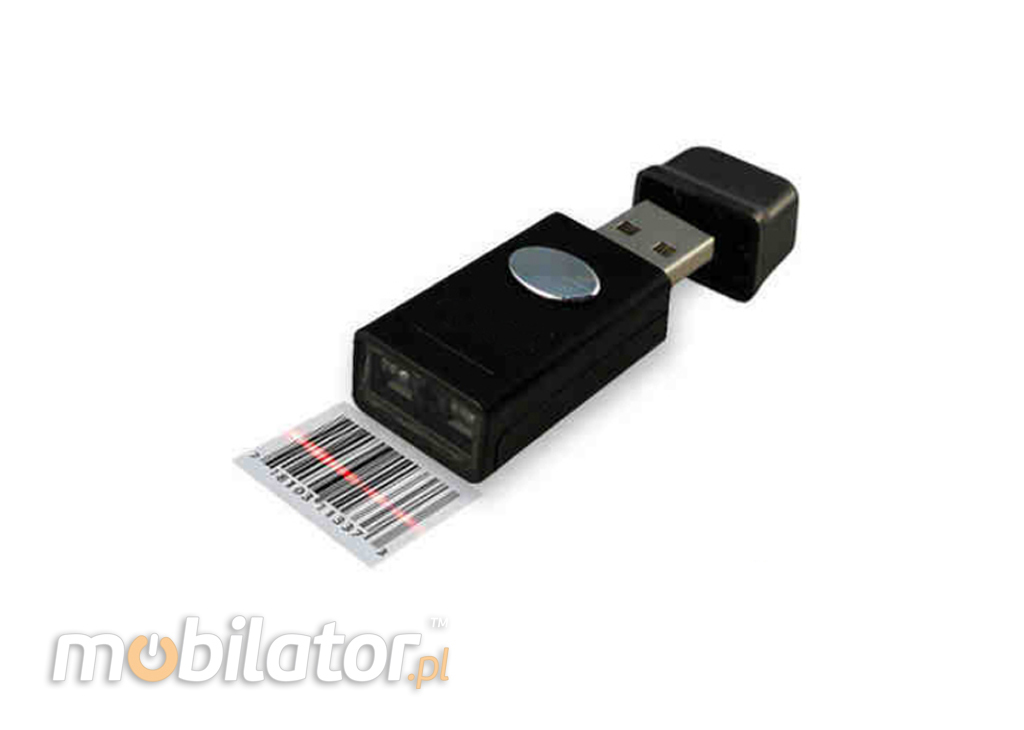
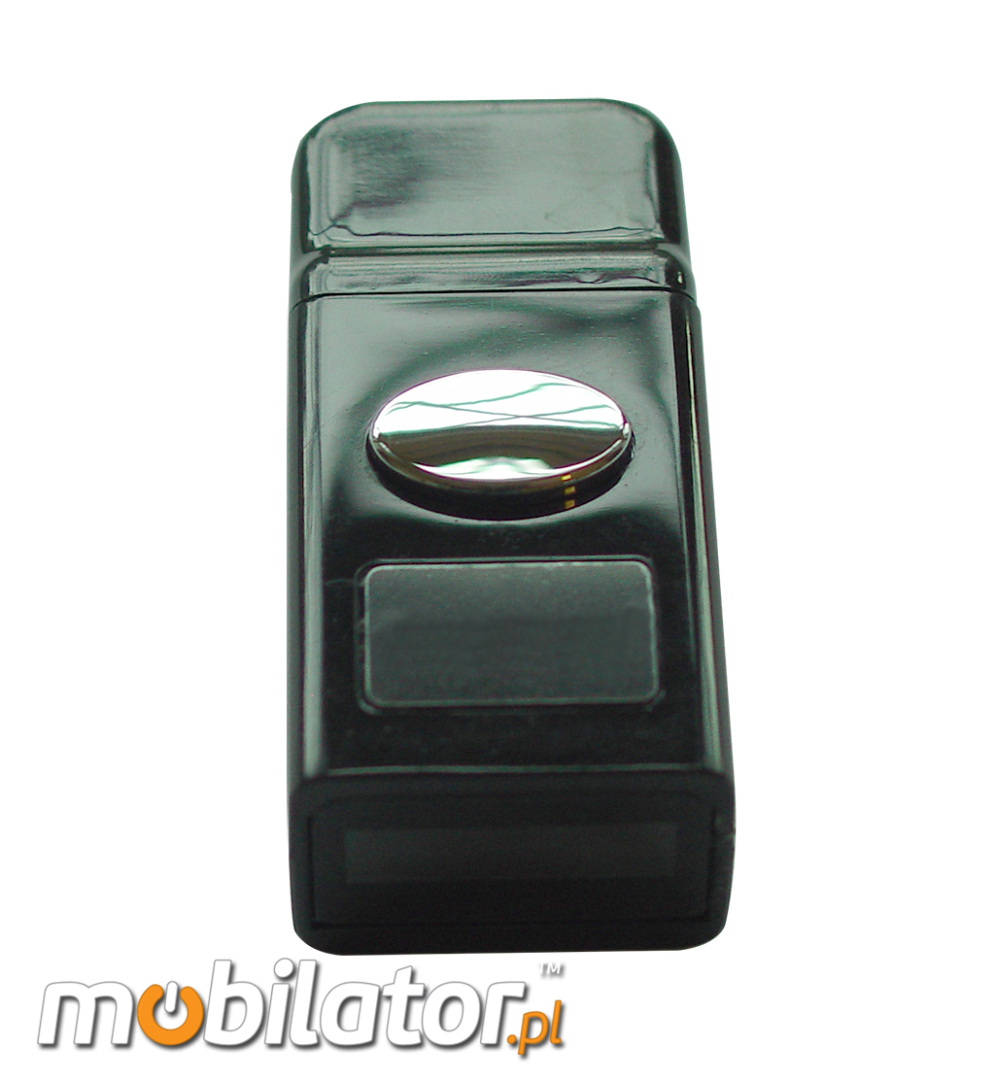
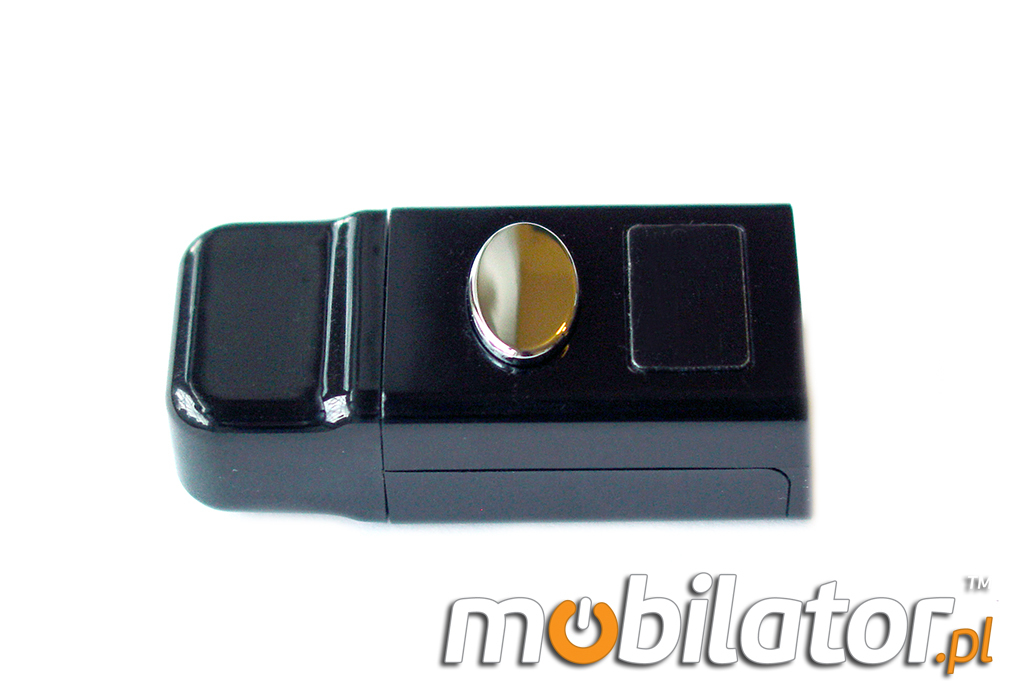
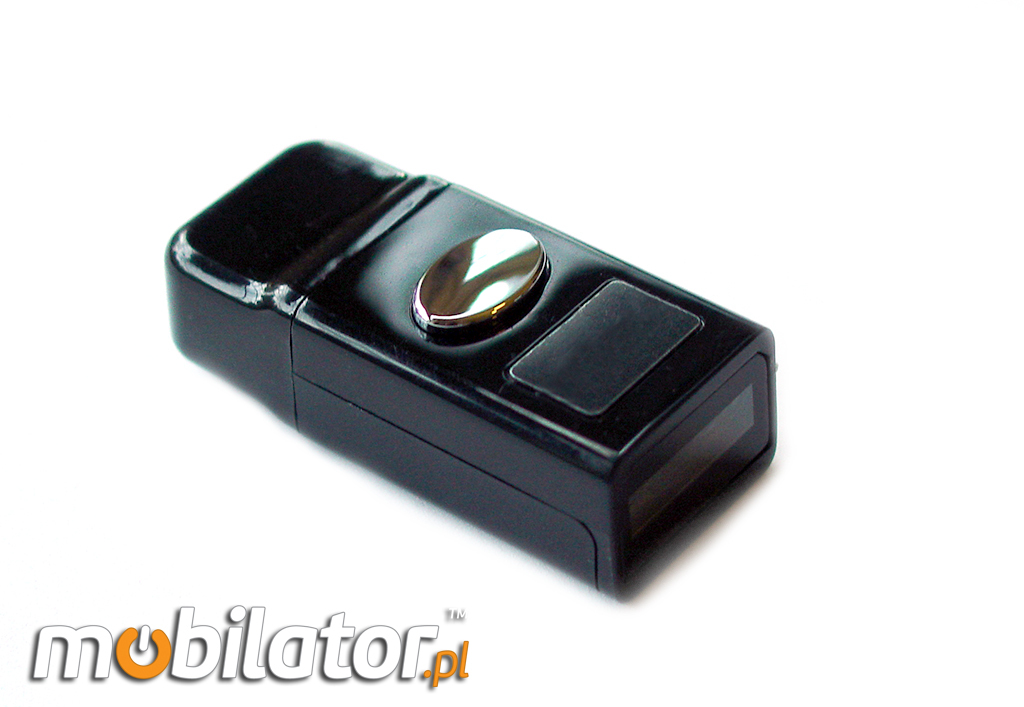
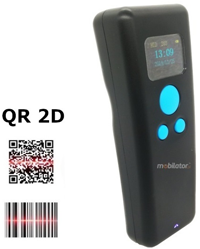
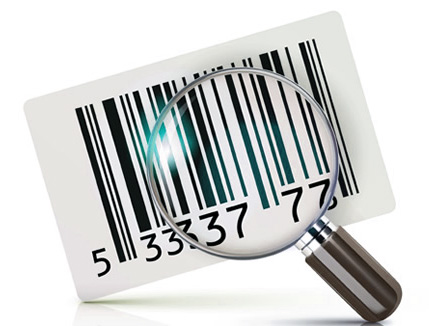
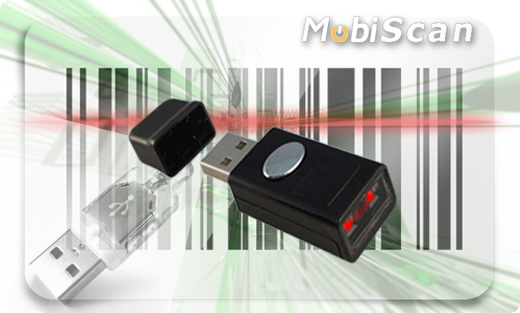
The bar code scanner is a device that allows data read barcodes from boxes, equipment, documents and all the places where these codes were implemented. MobiScan products are of high quality and the ability to trouble-free operation for many years.
|
|
|||||||||||||||||||
Description
|
Communication |
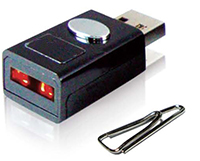
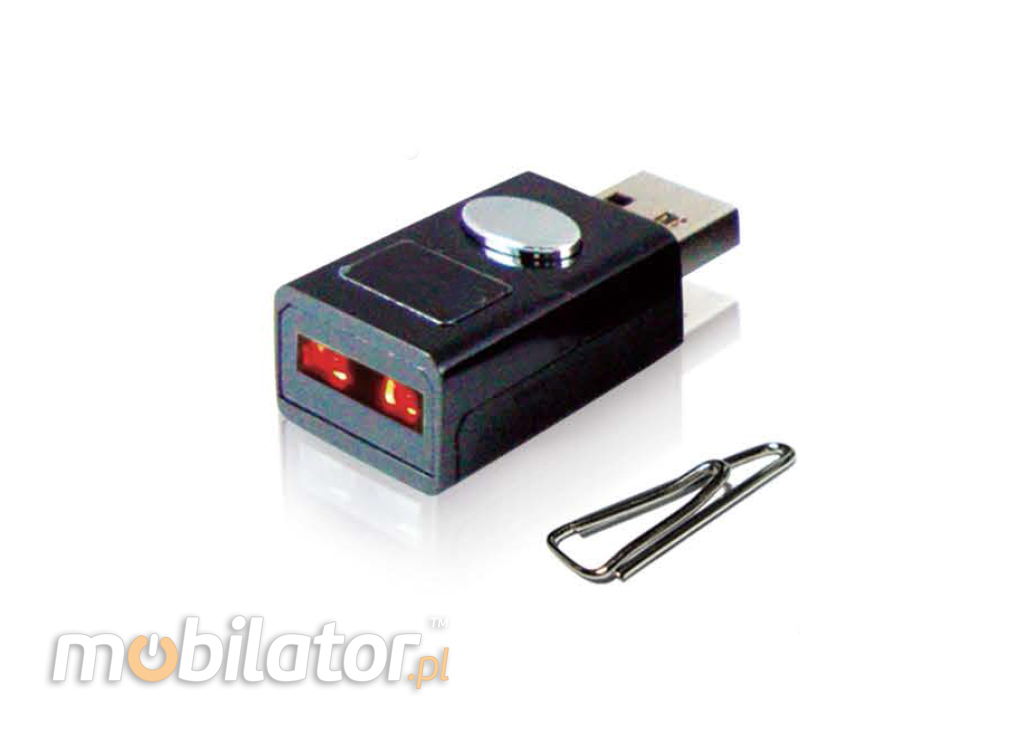
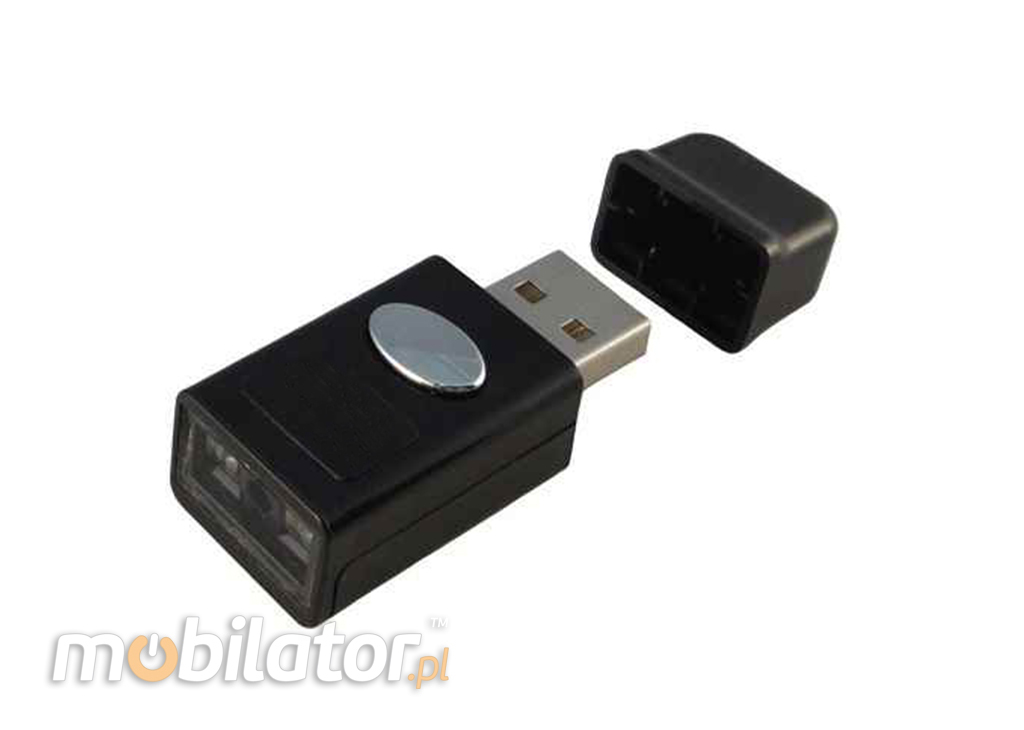
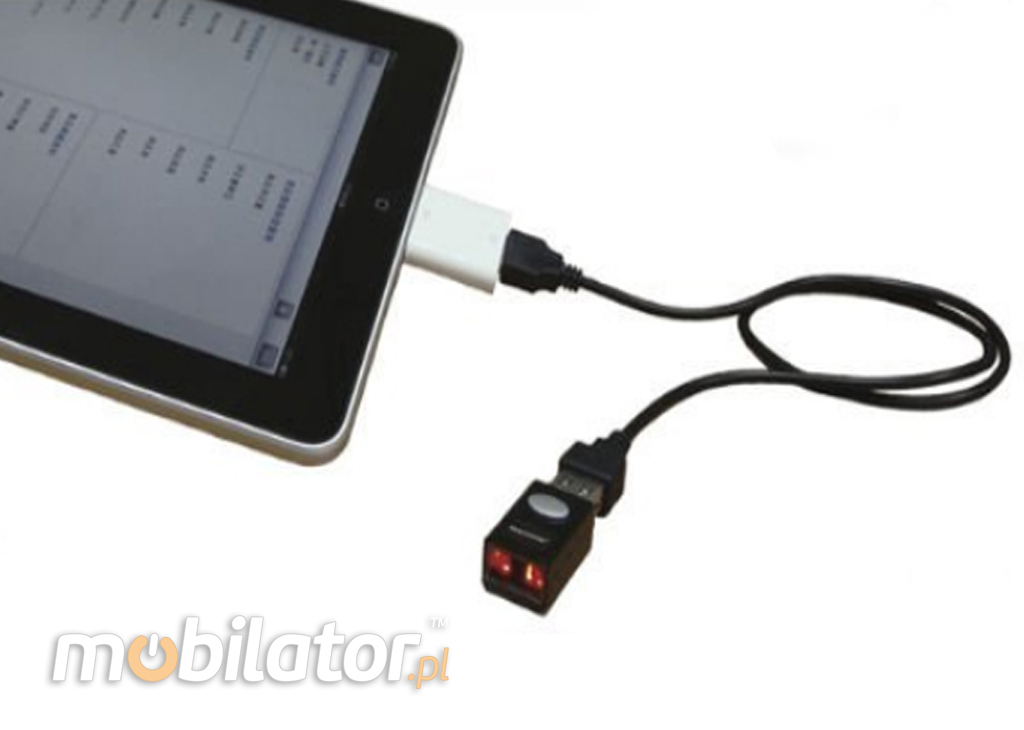
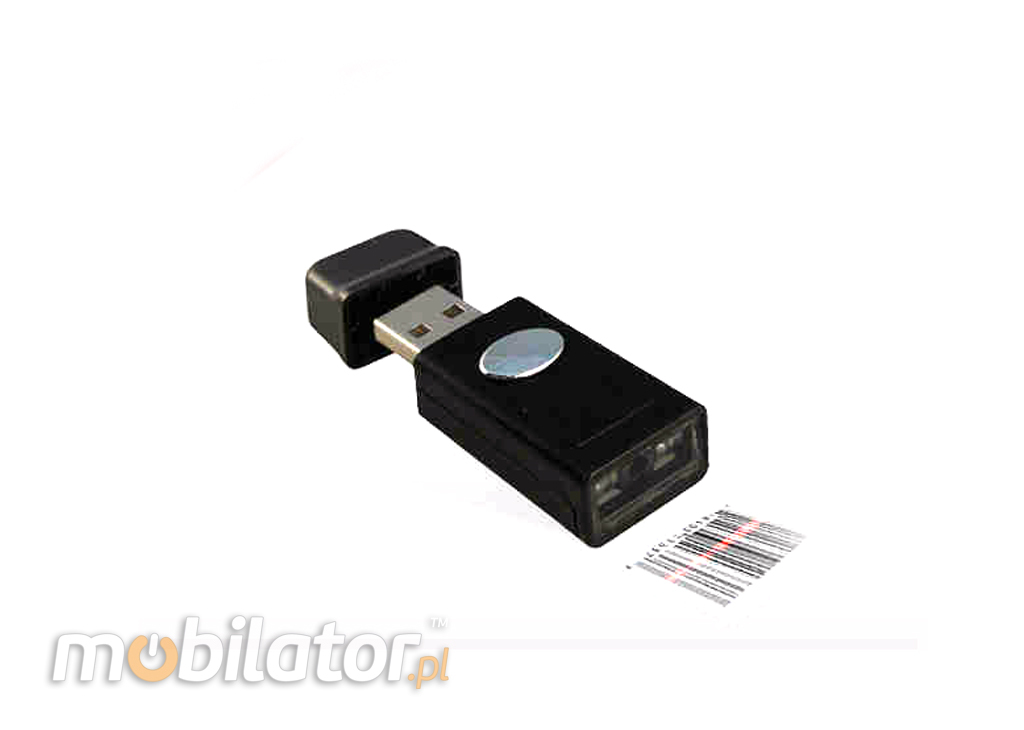
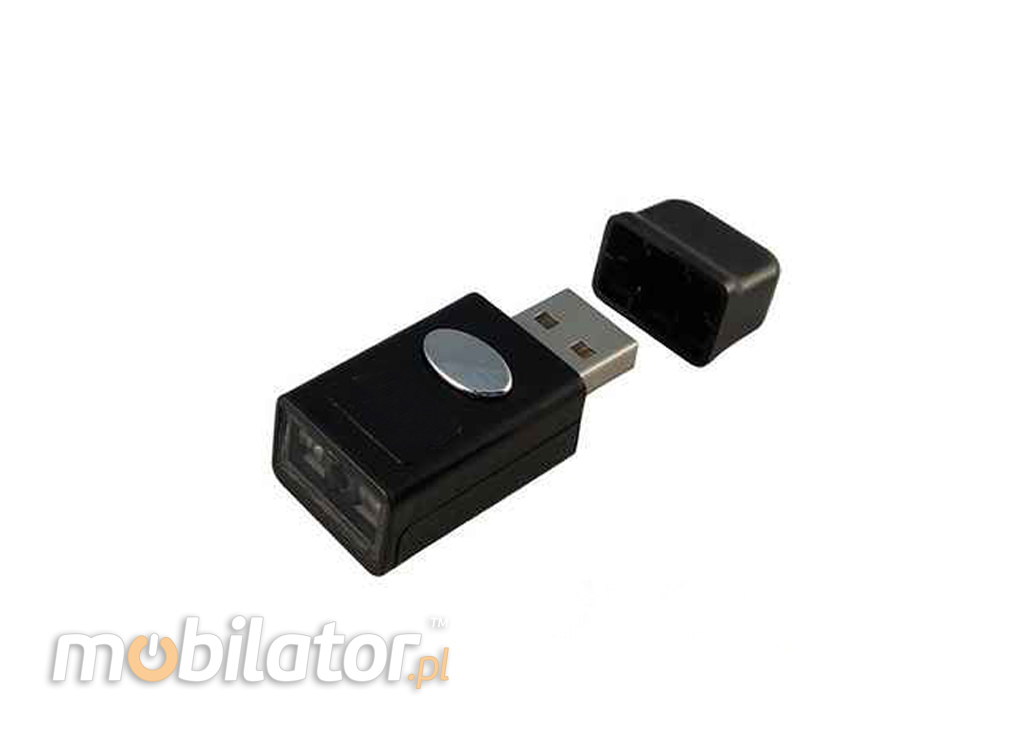
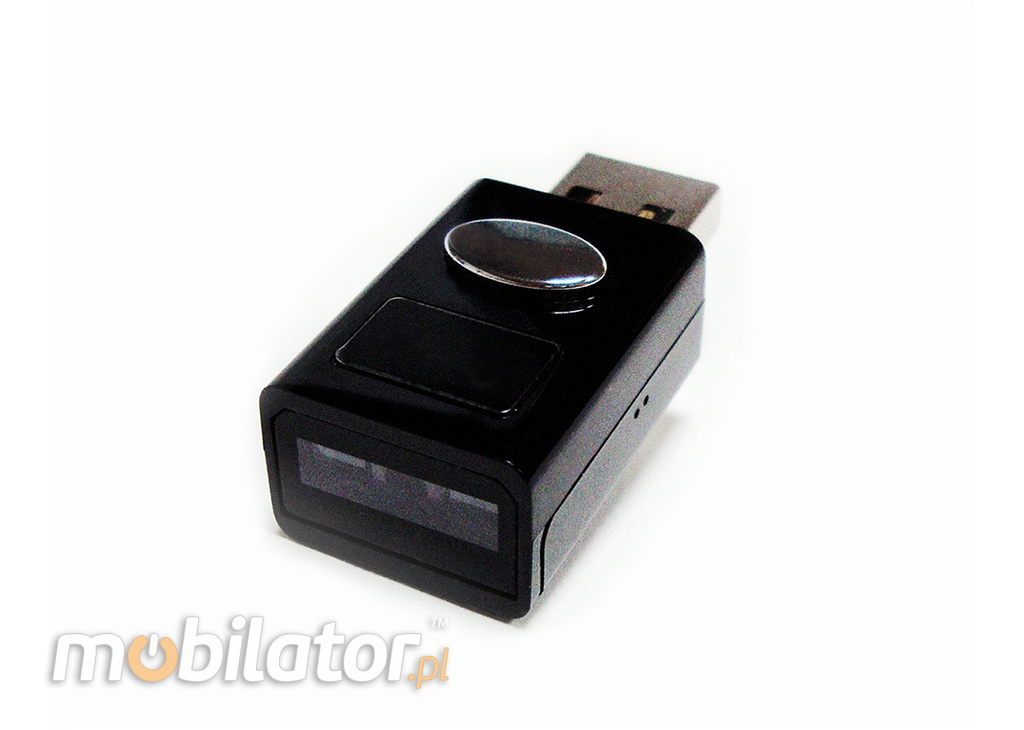
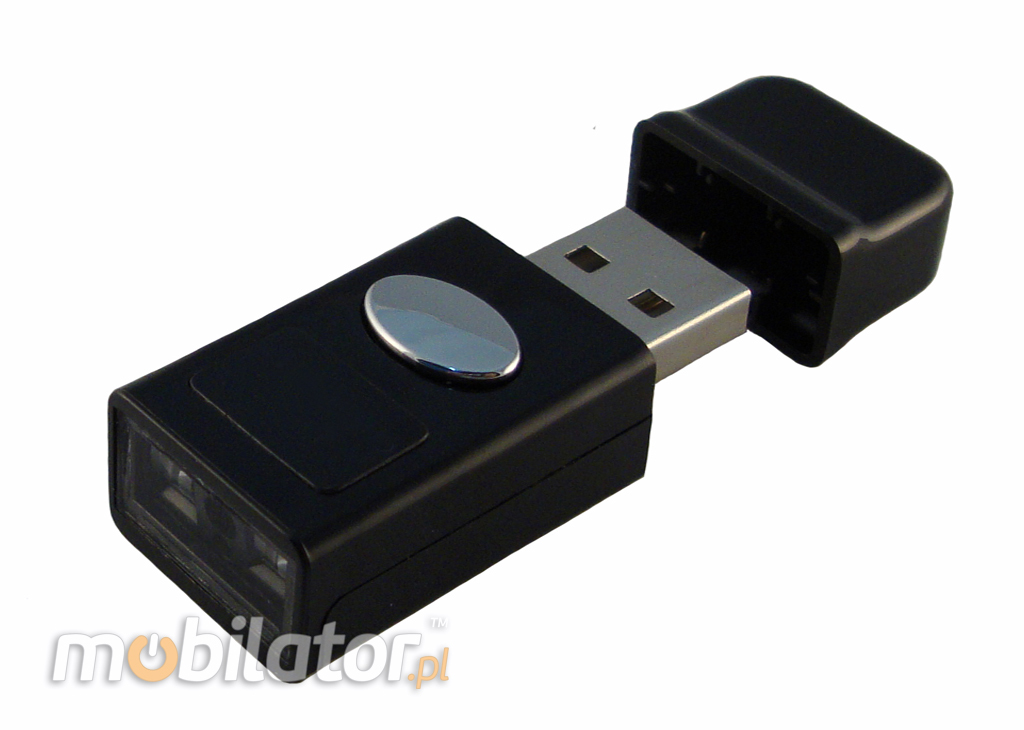
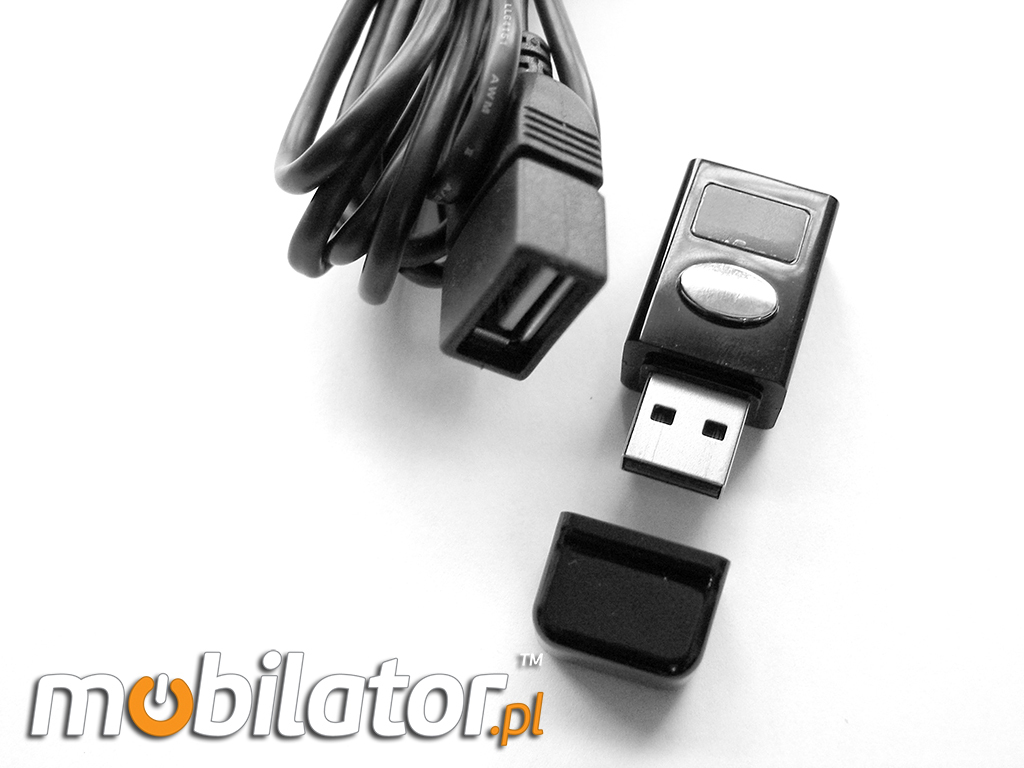
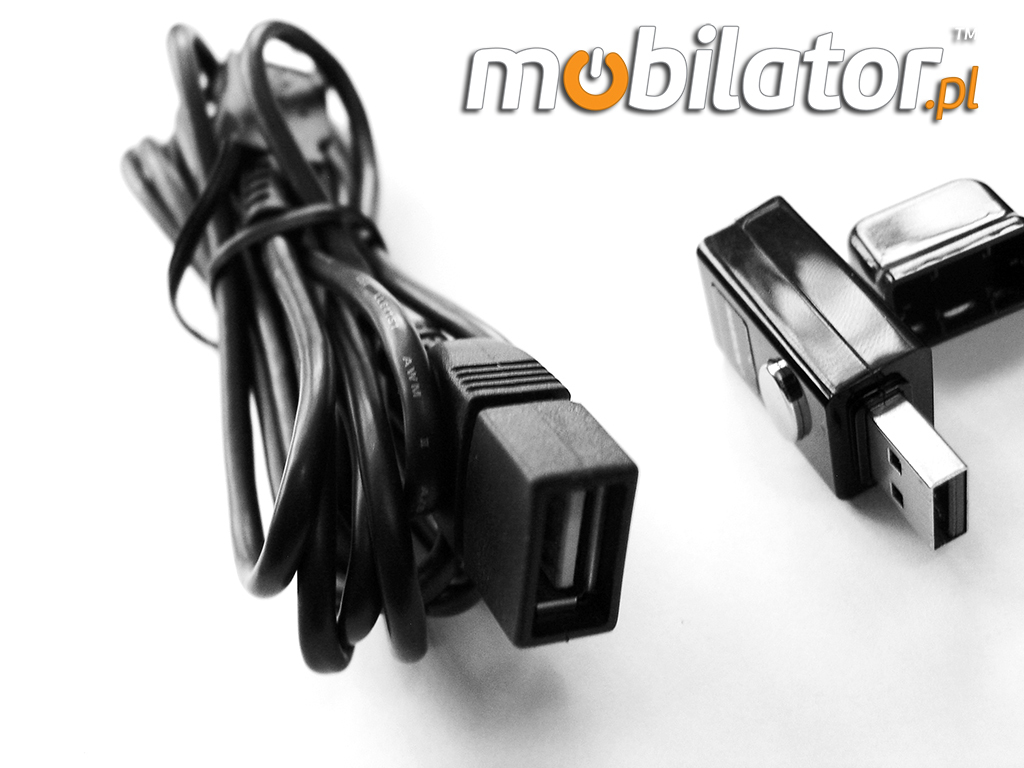
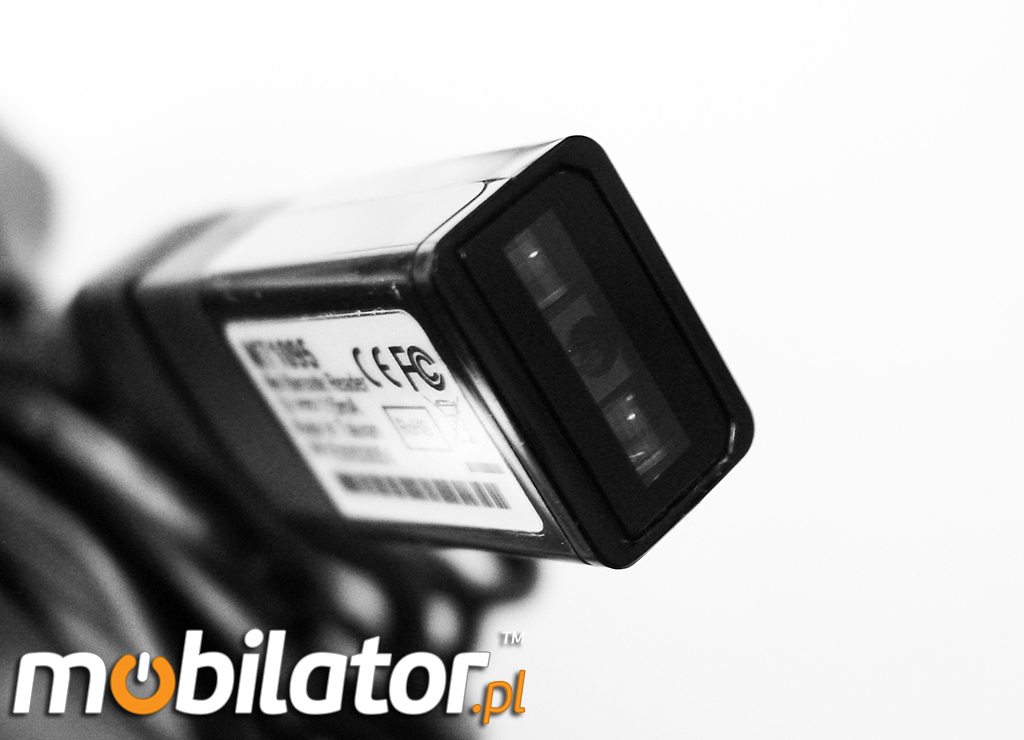
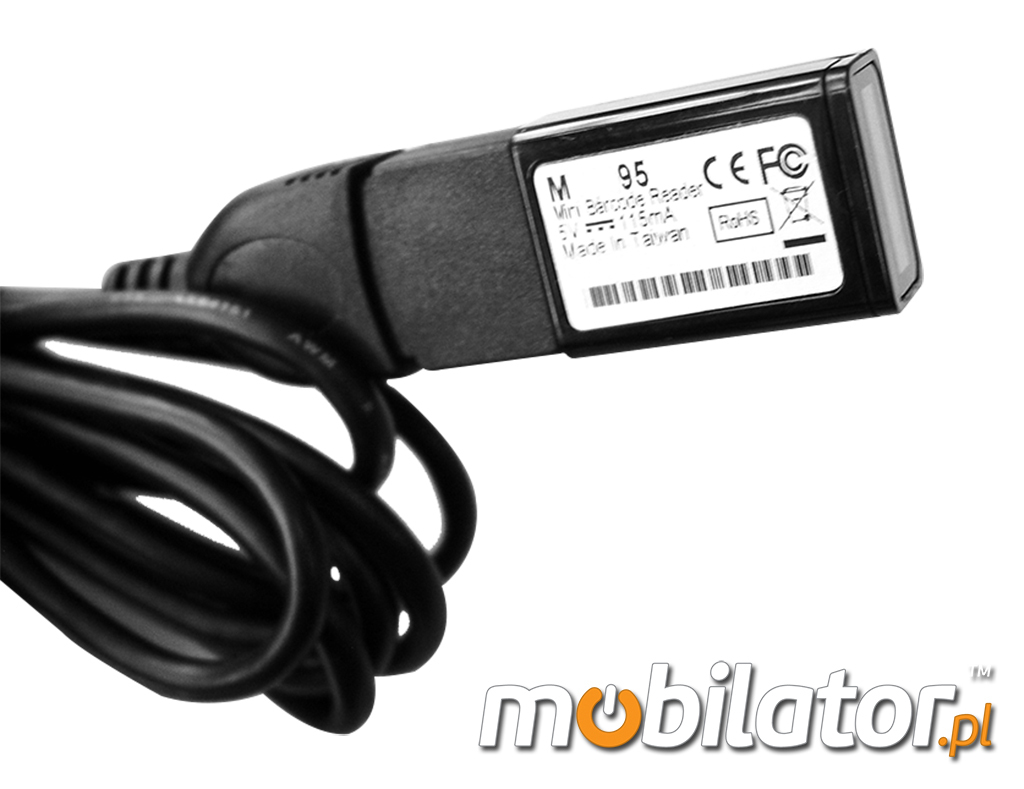
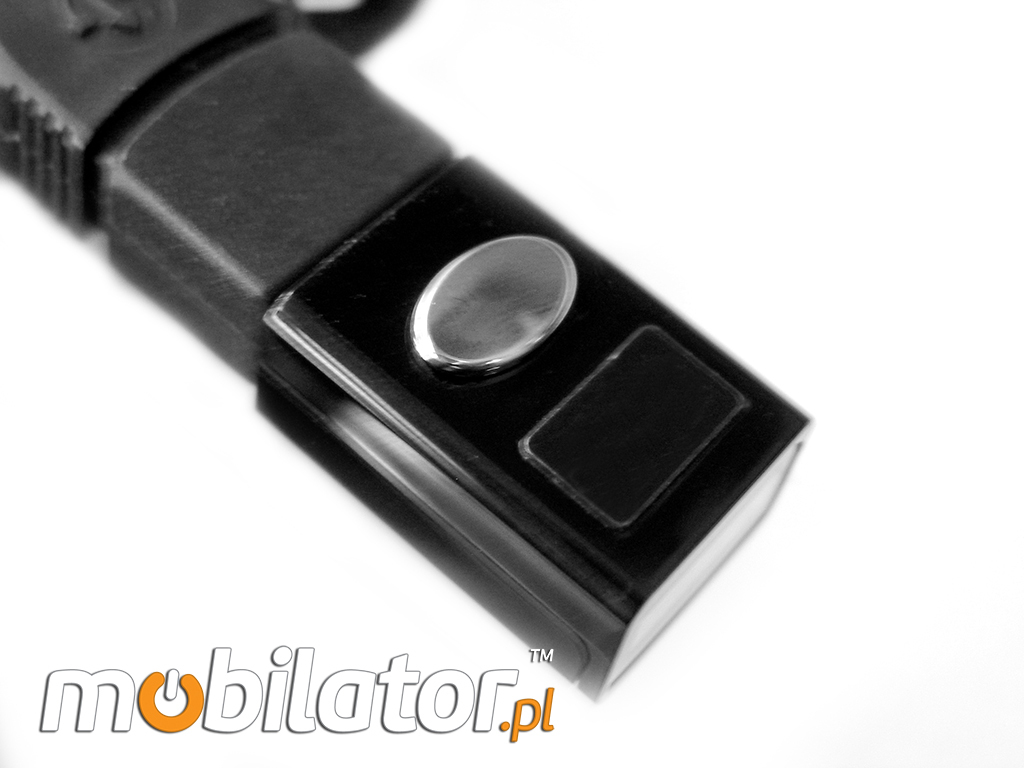
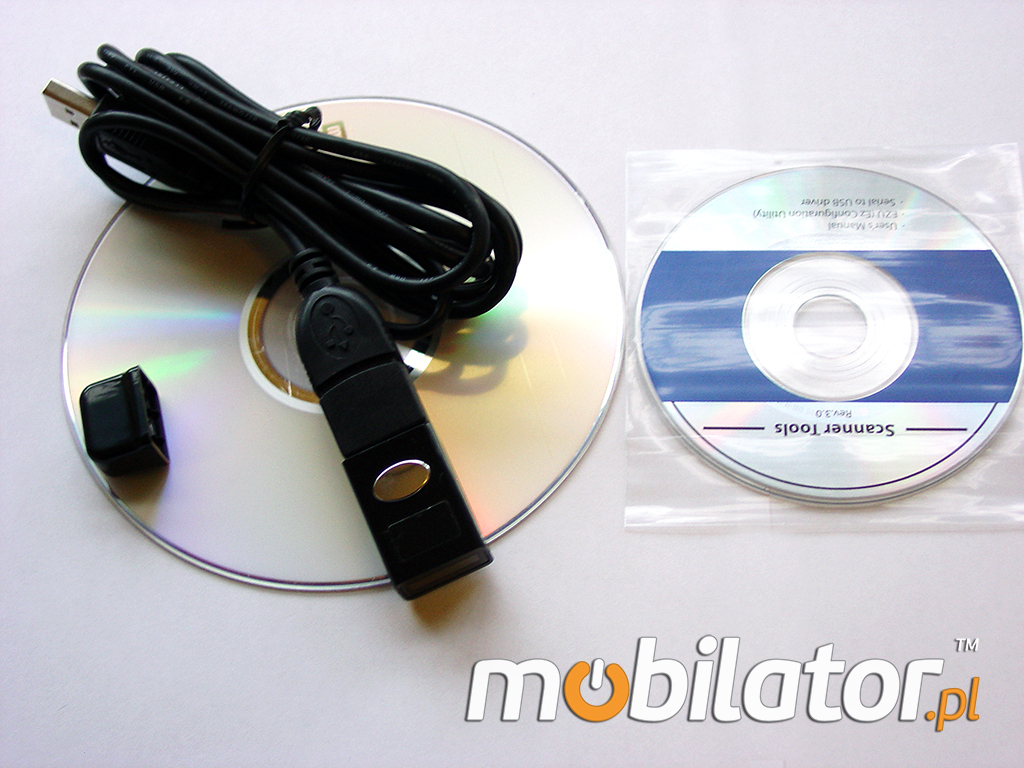
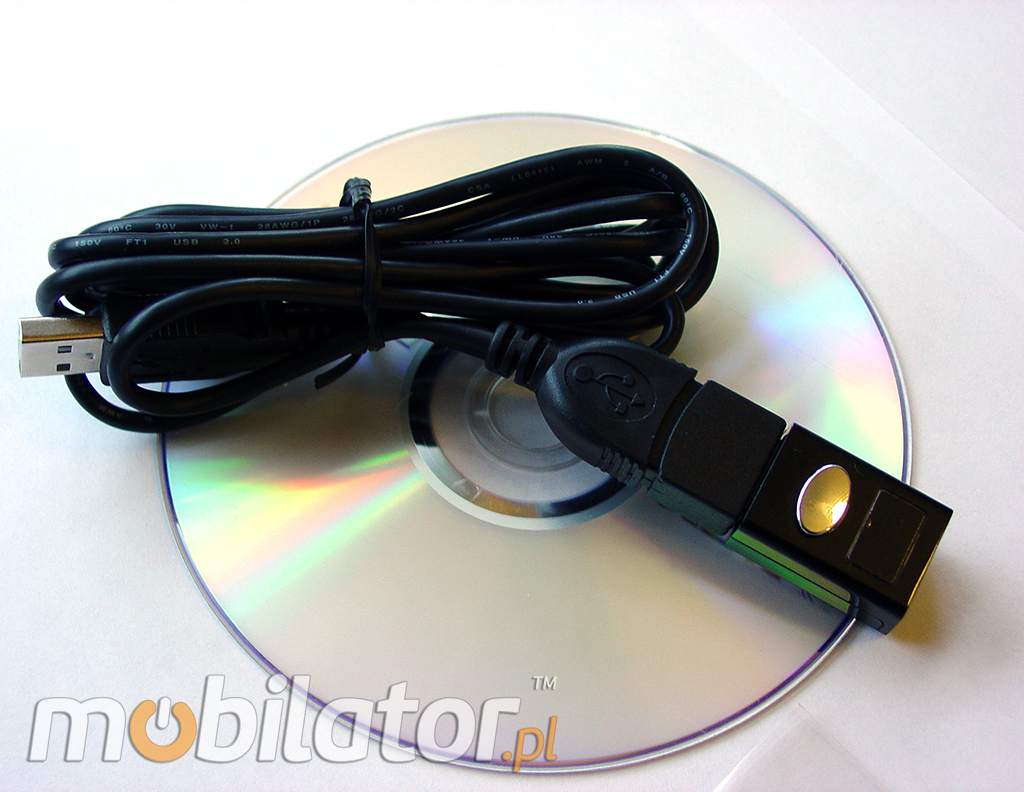
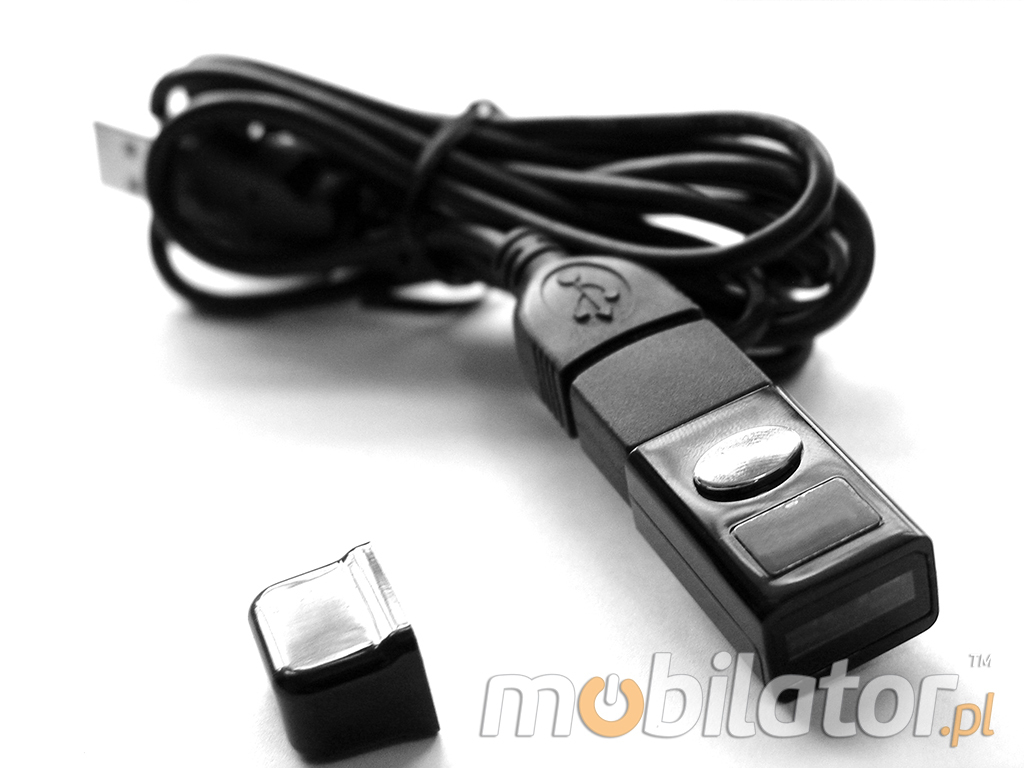
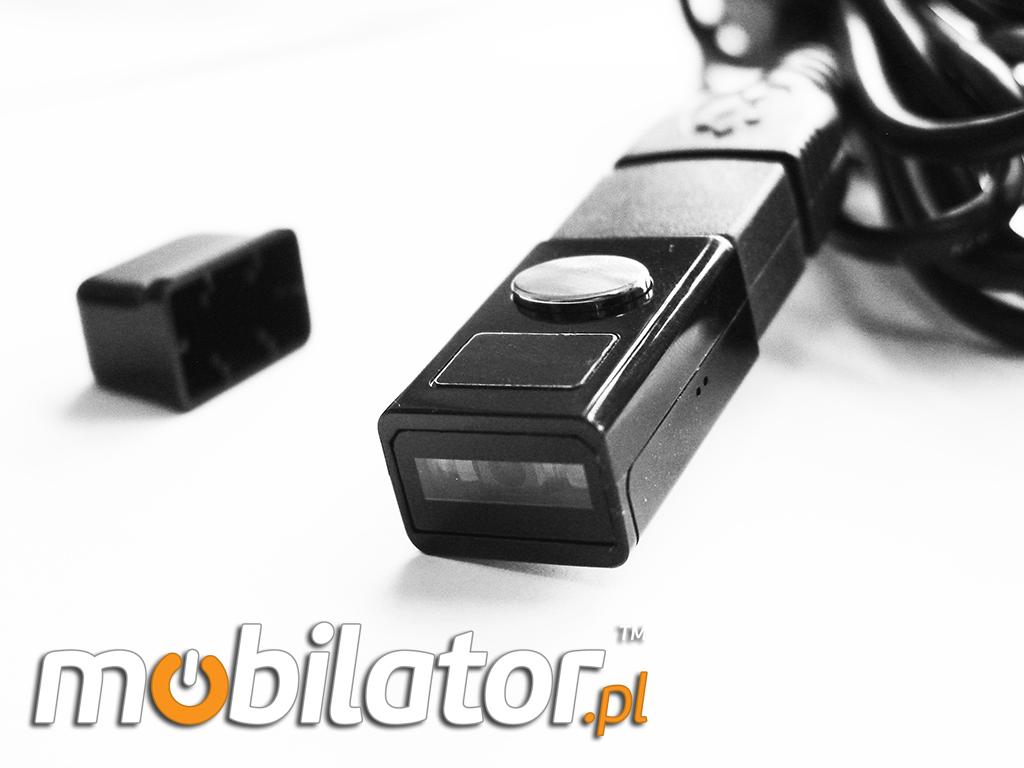
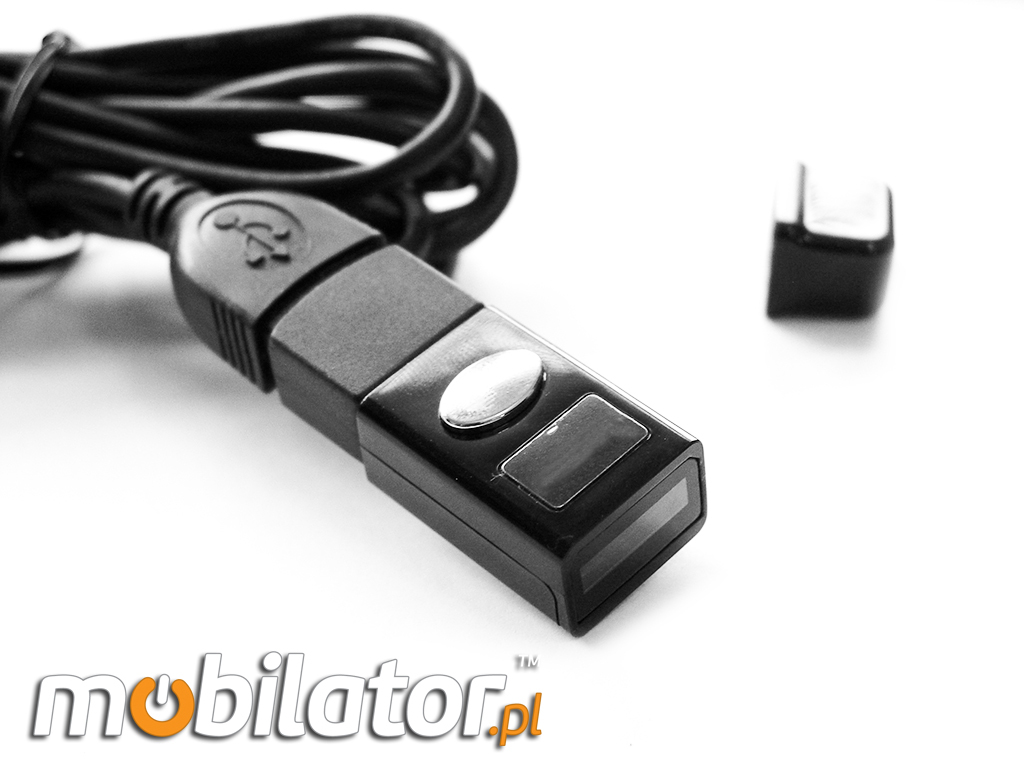
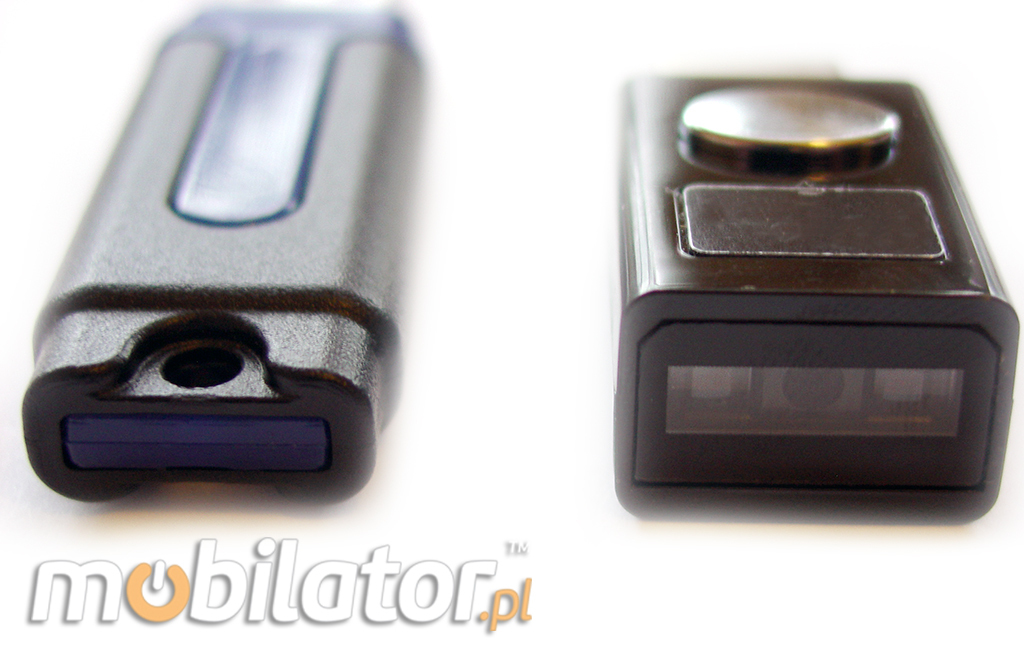
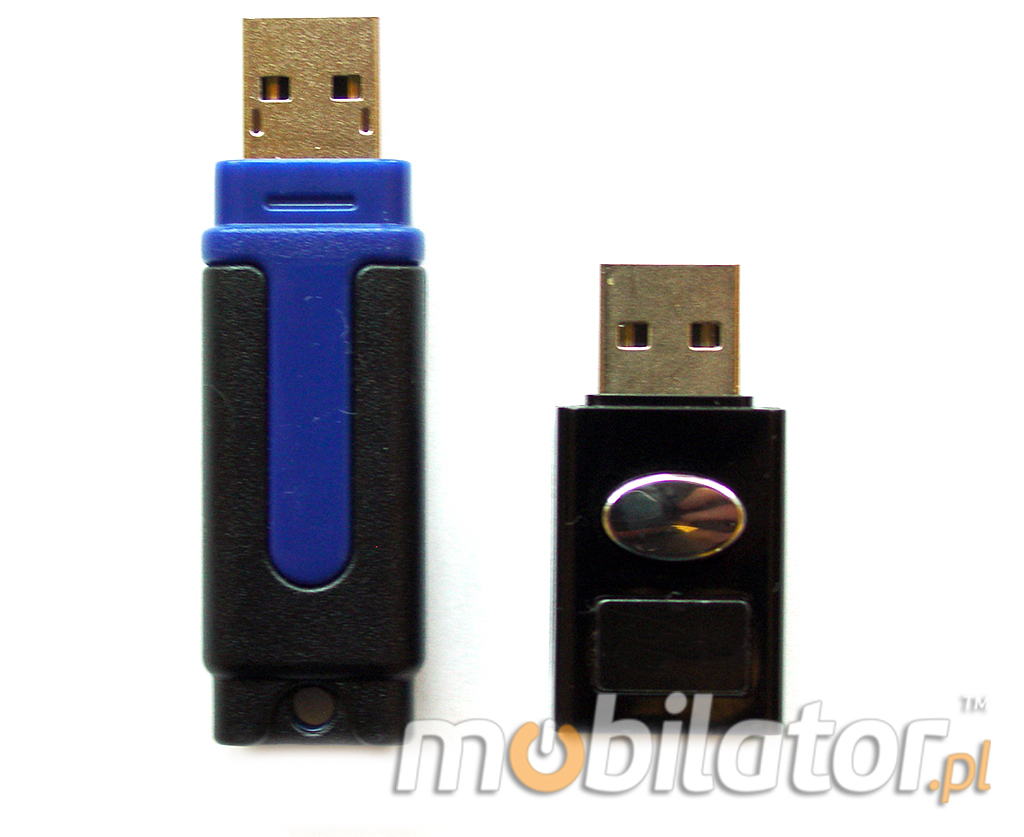
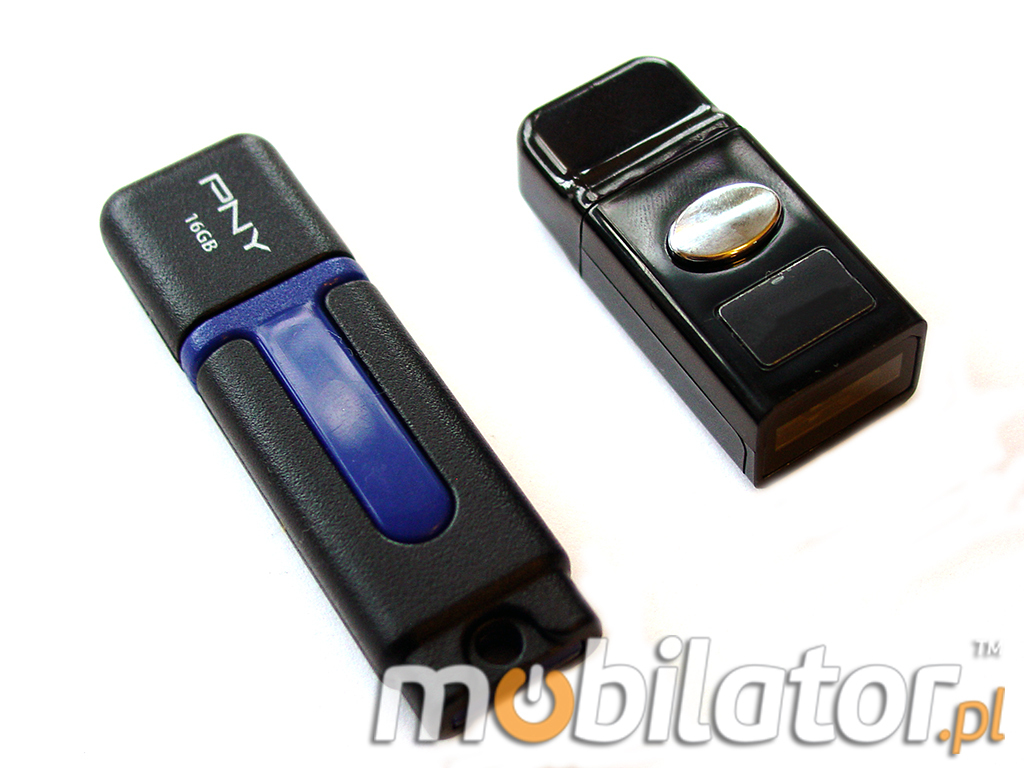
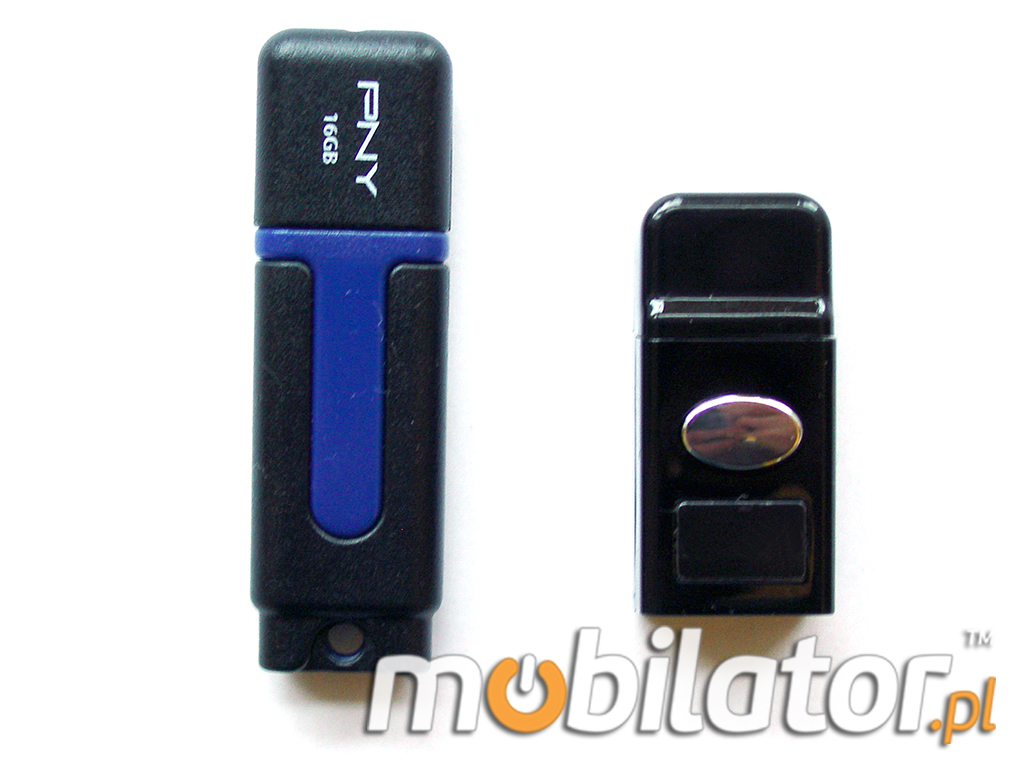
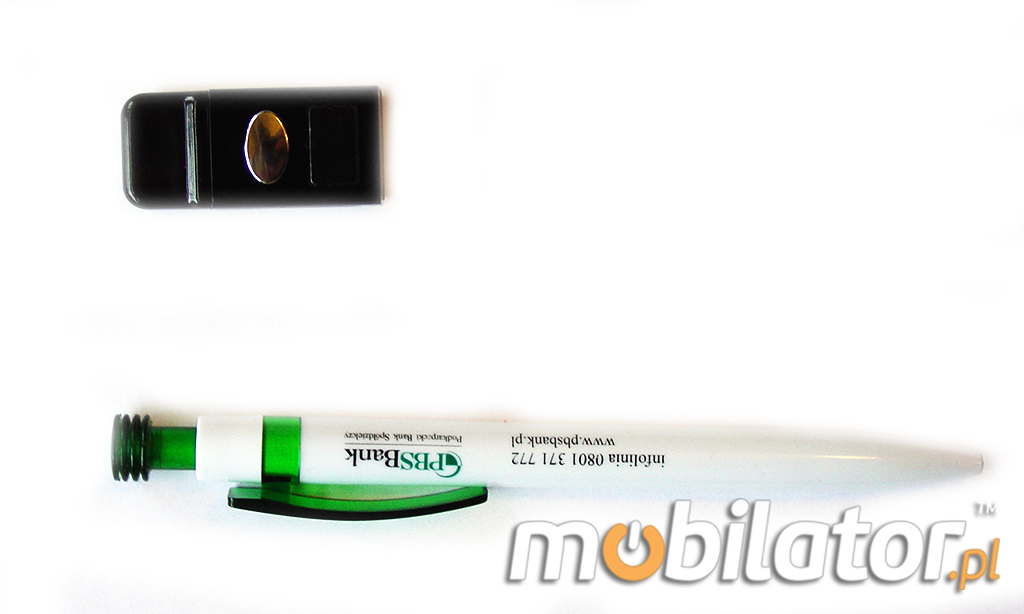
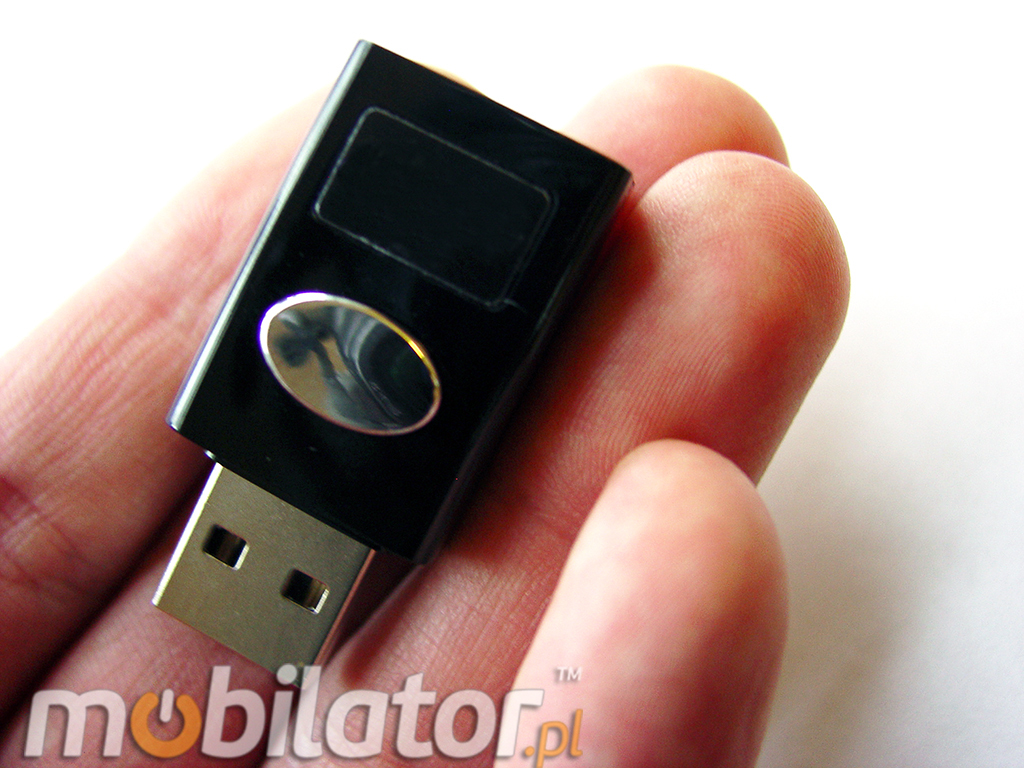
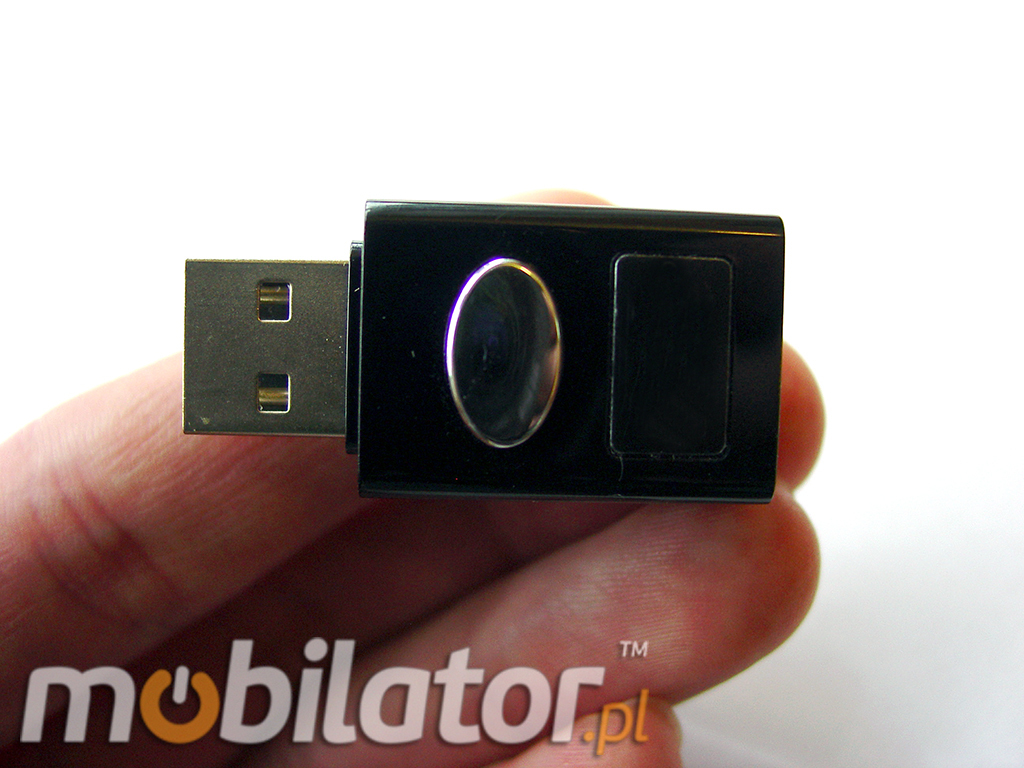
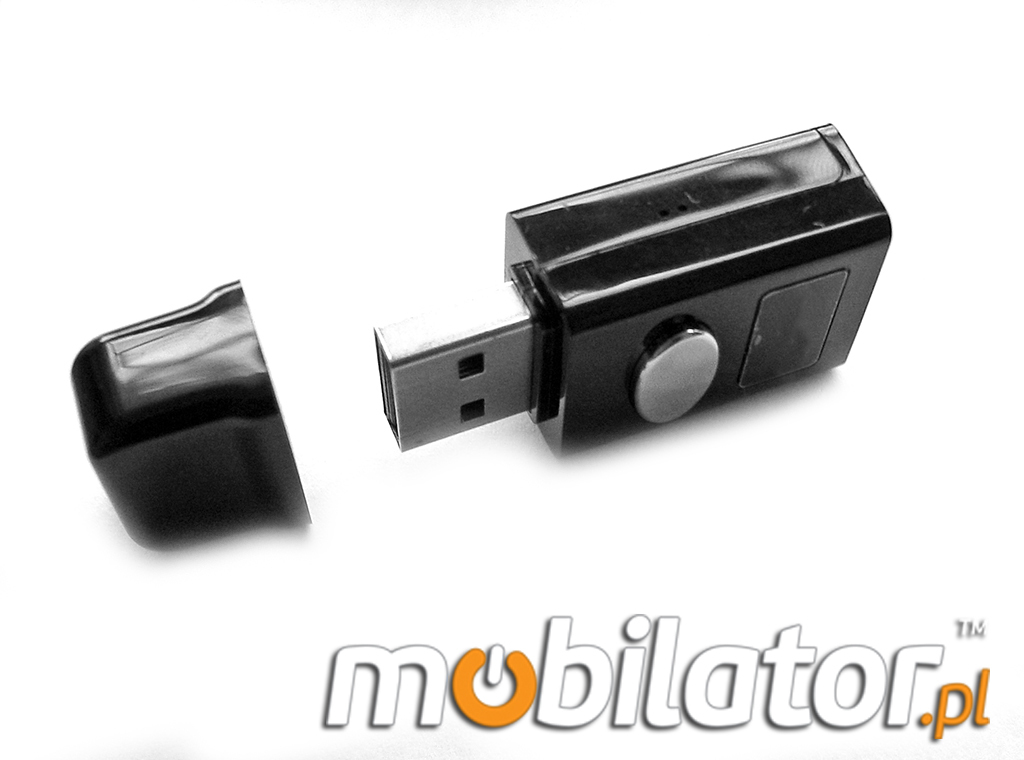
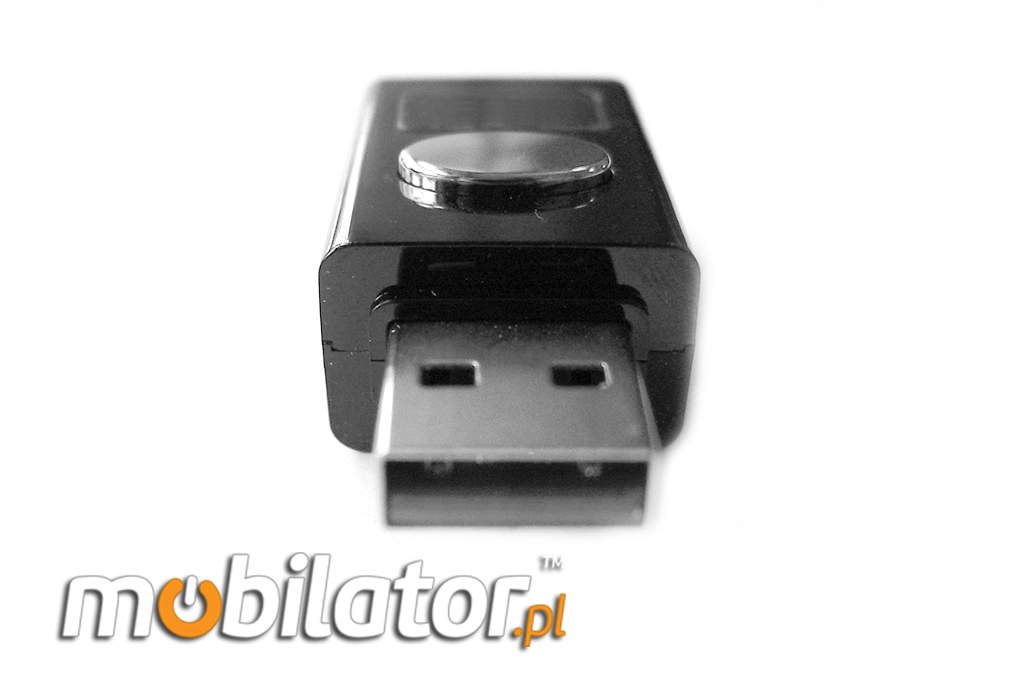
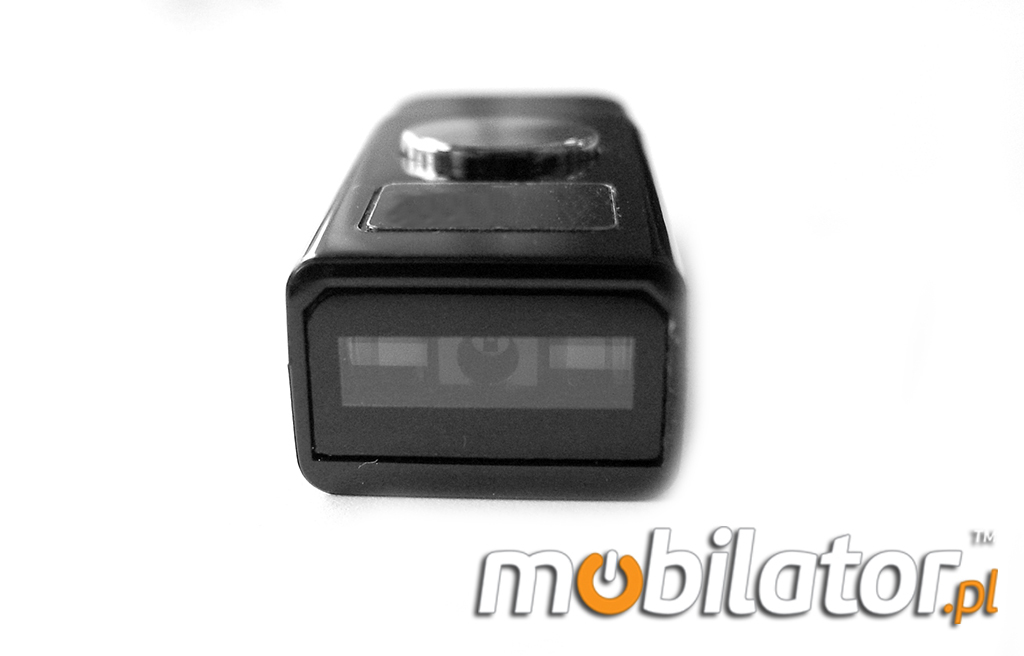
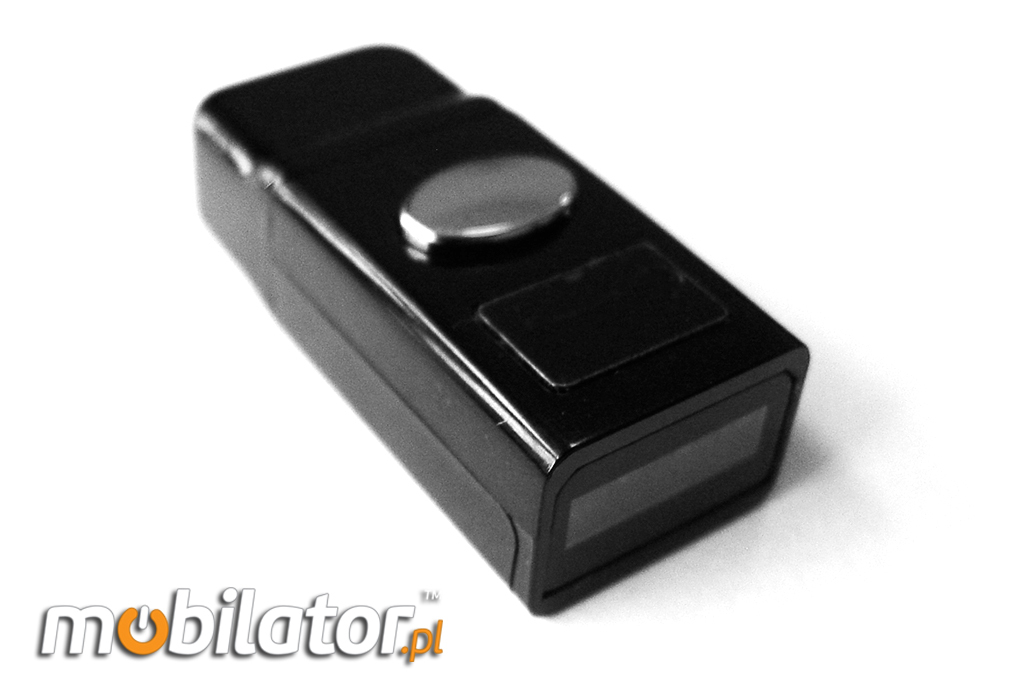
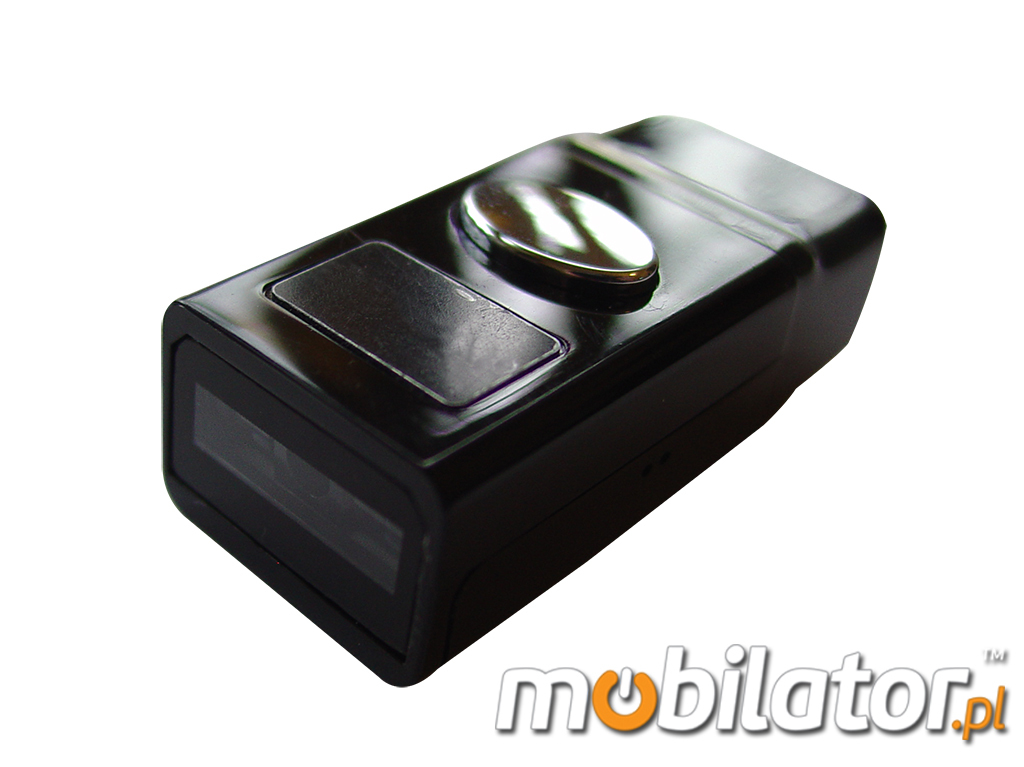
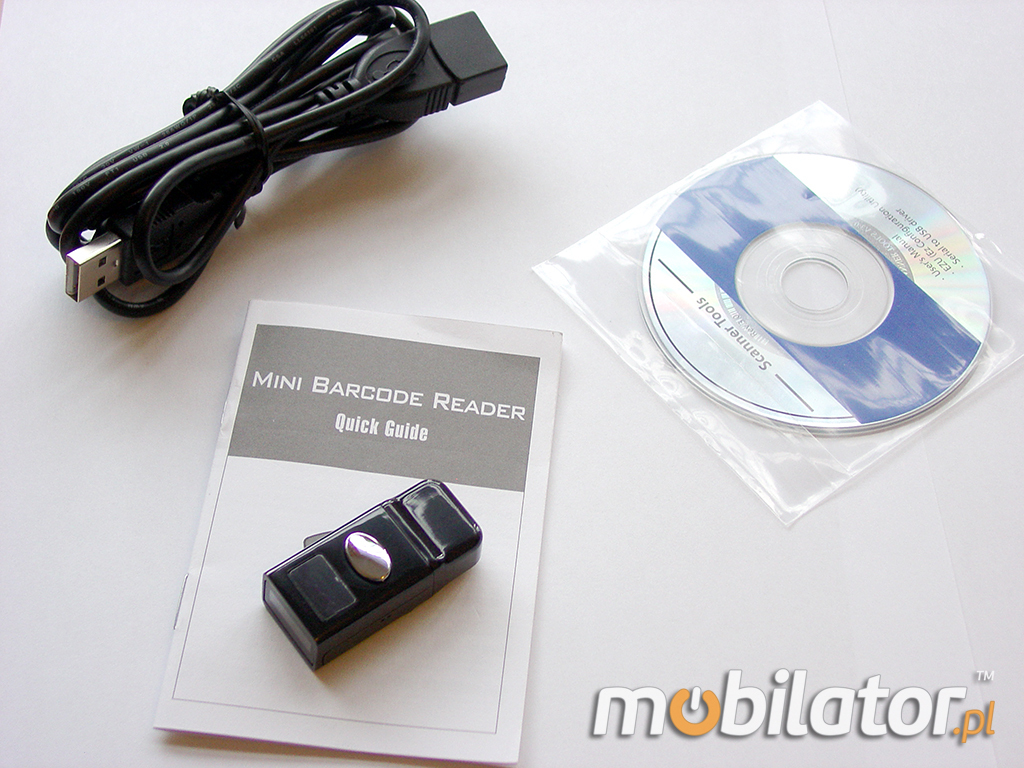
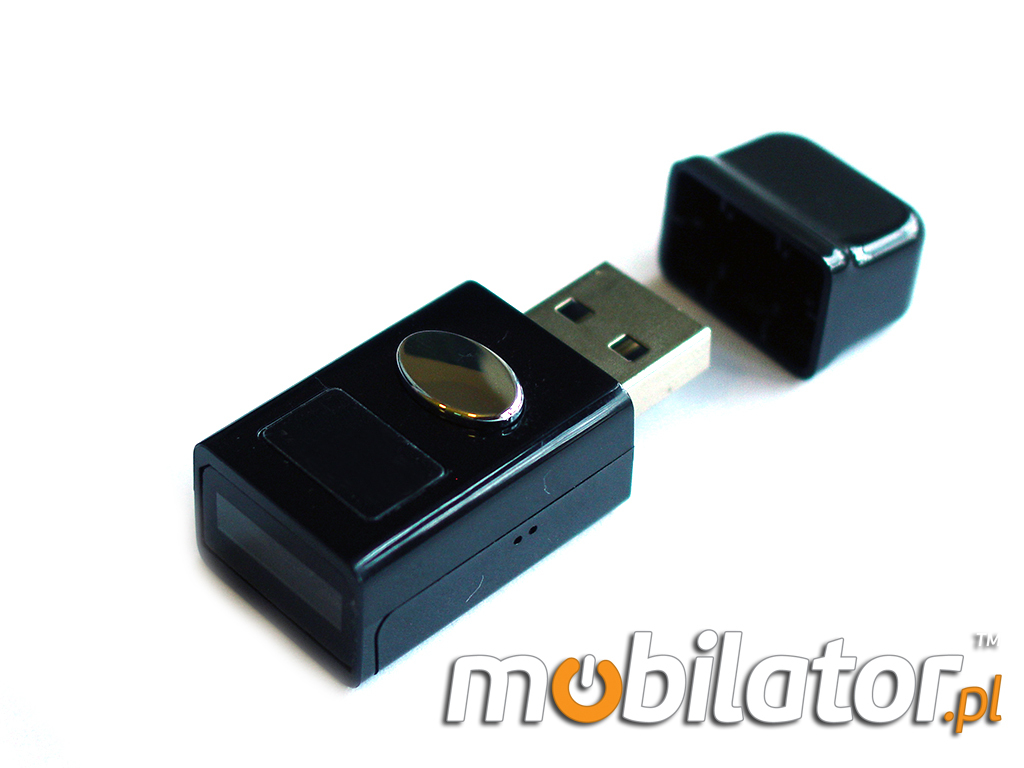
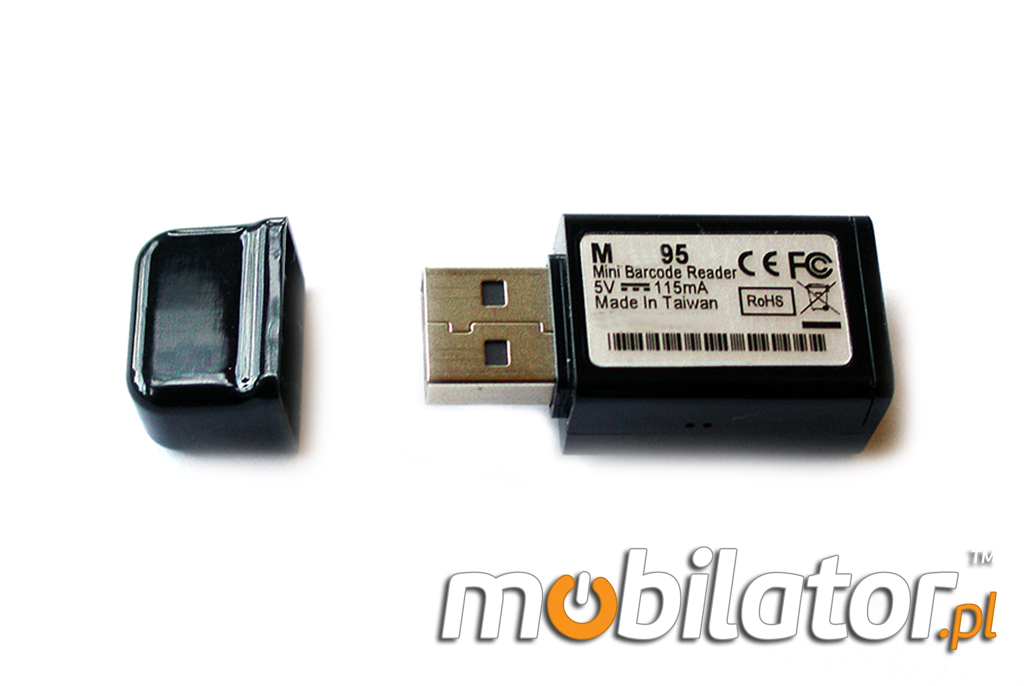
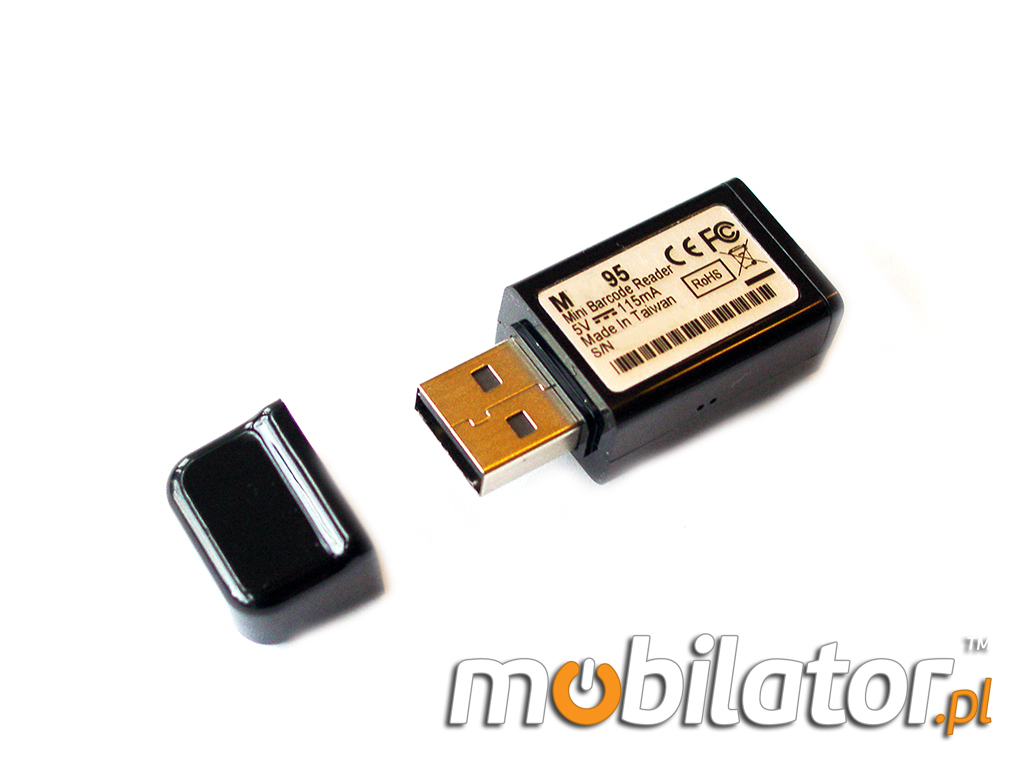
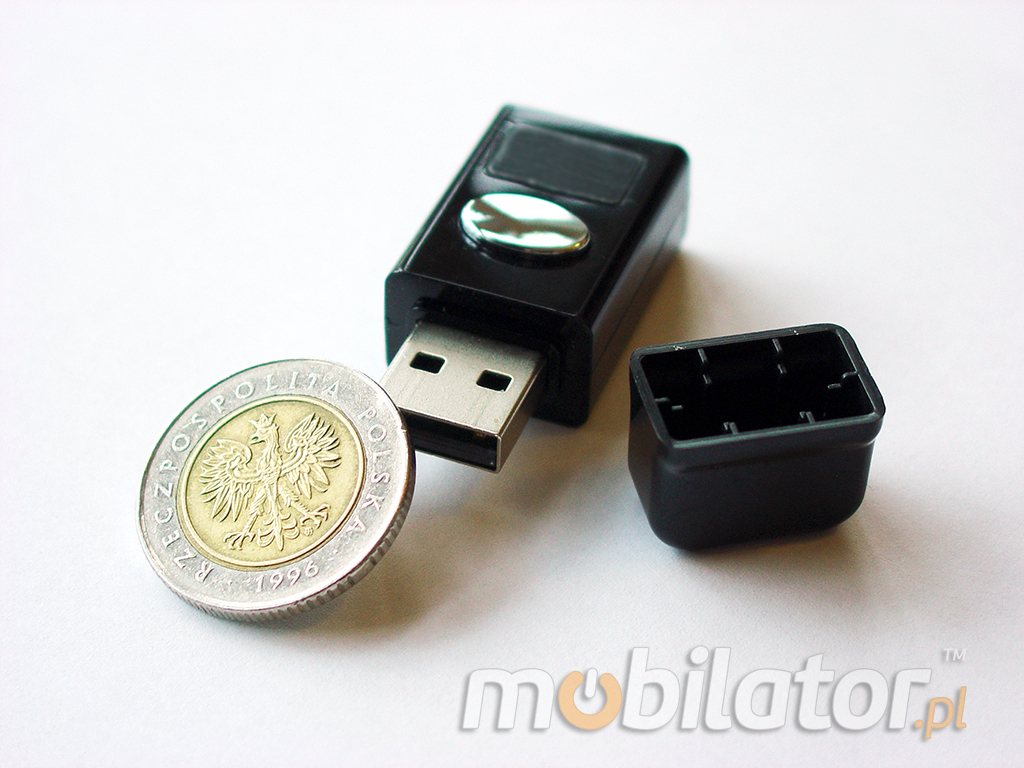
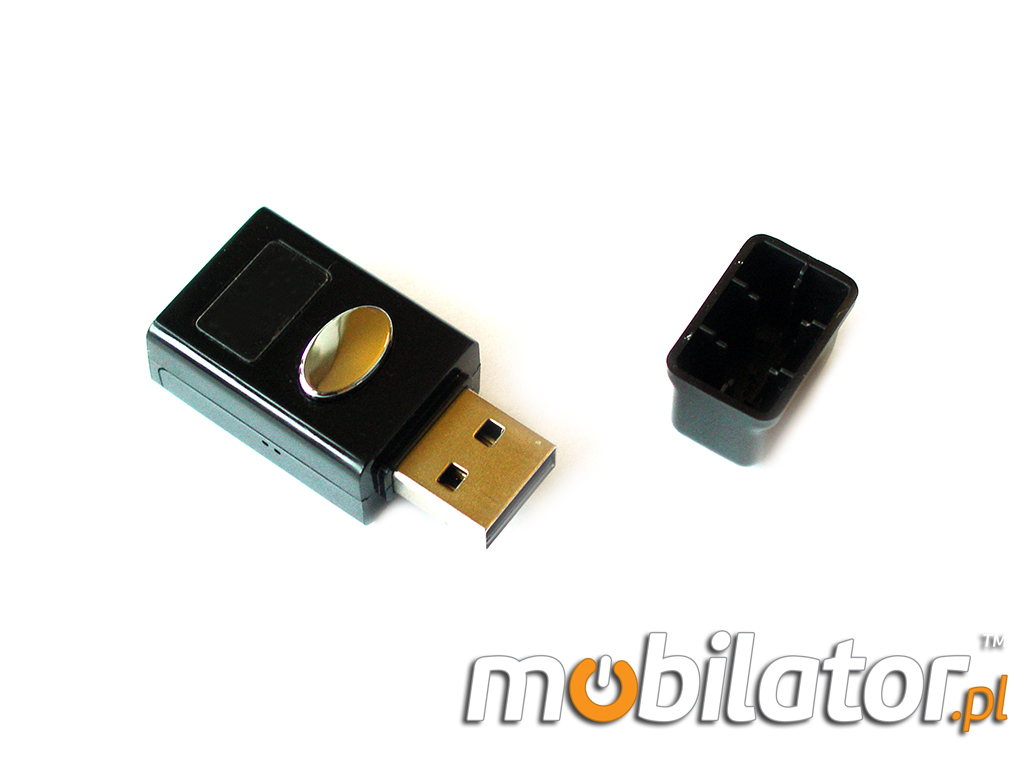
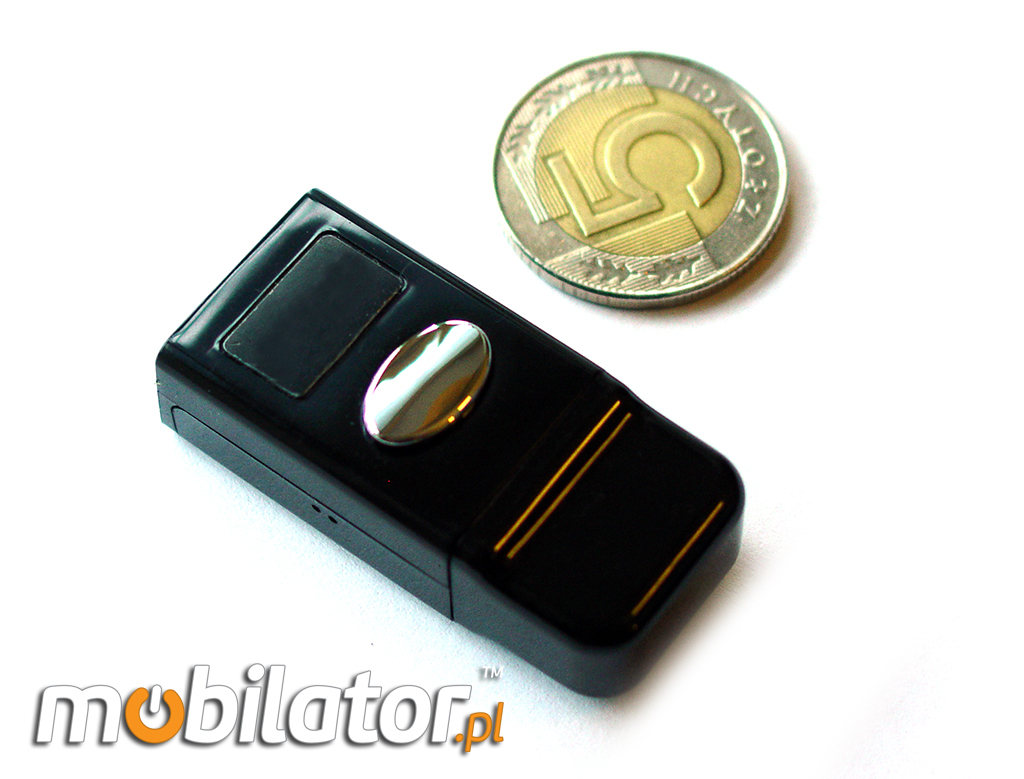
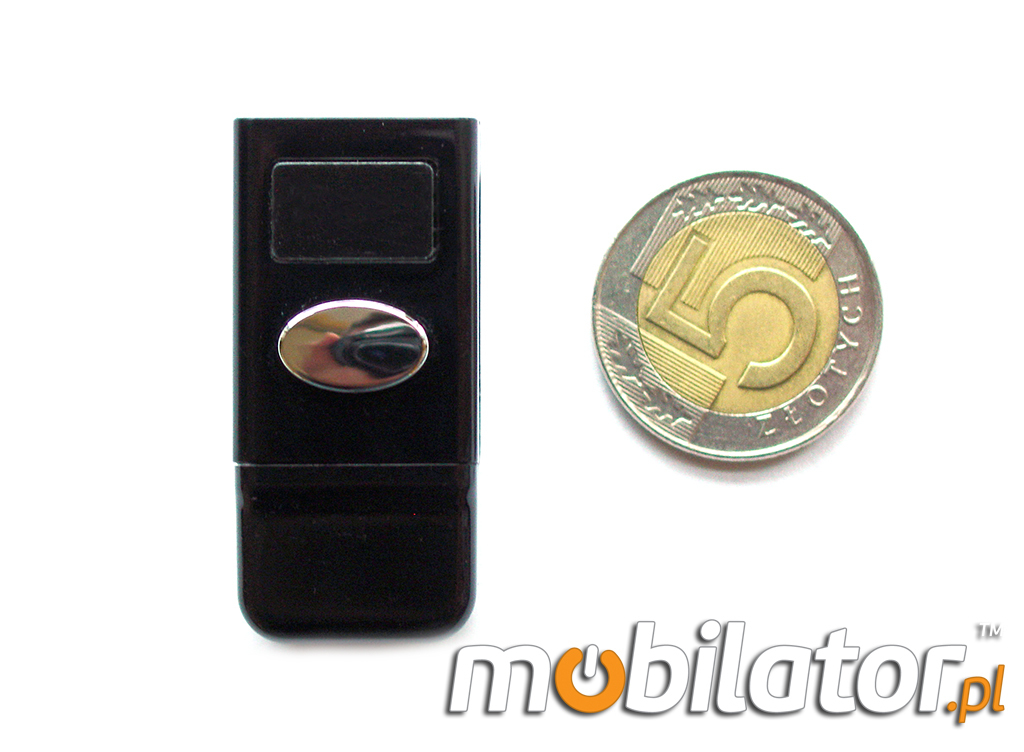
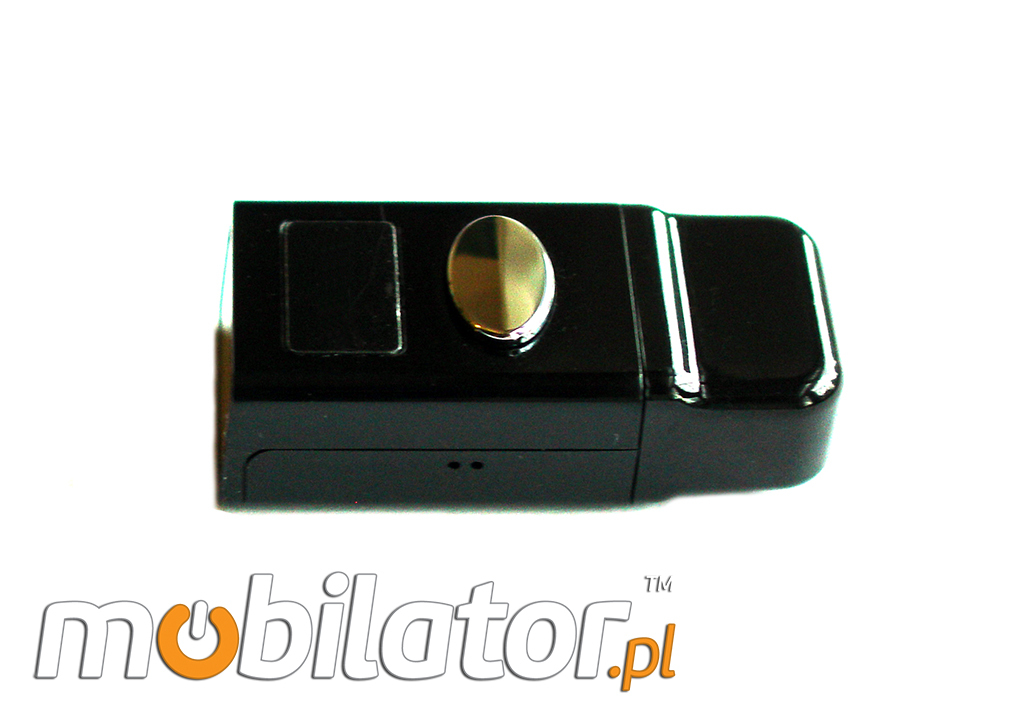
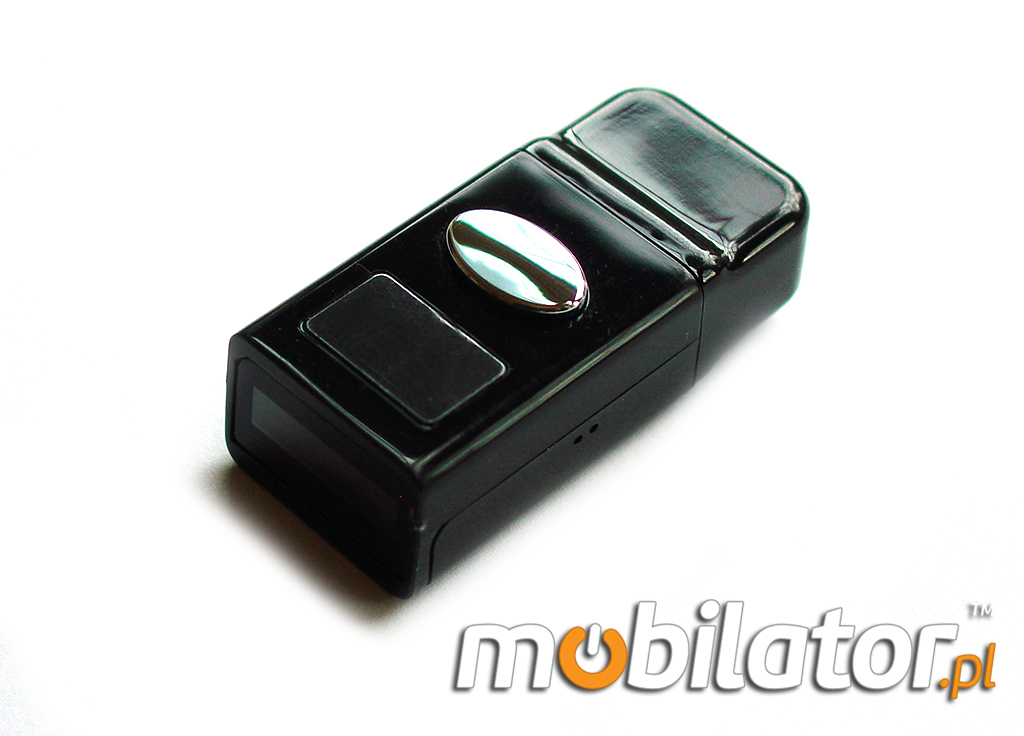
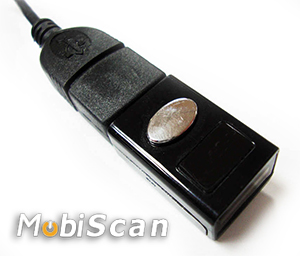
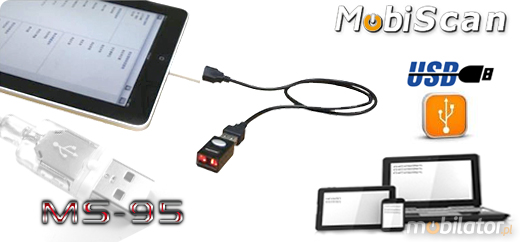
Mini scanner has a built-in 1D barcode reader that through the USB to the device provides information such as the name of the product, the type, approximate value, availability, and also allows for quick and convenient automatic grouping of data.
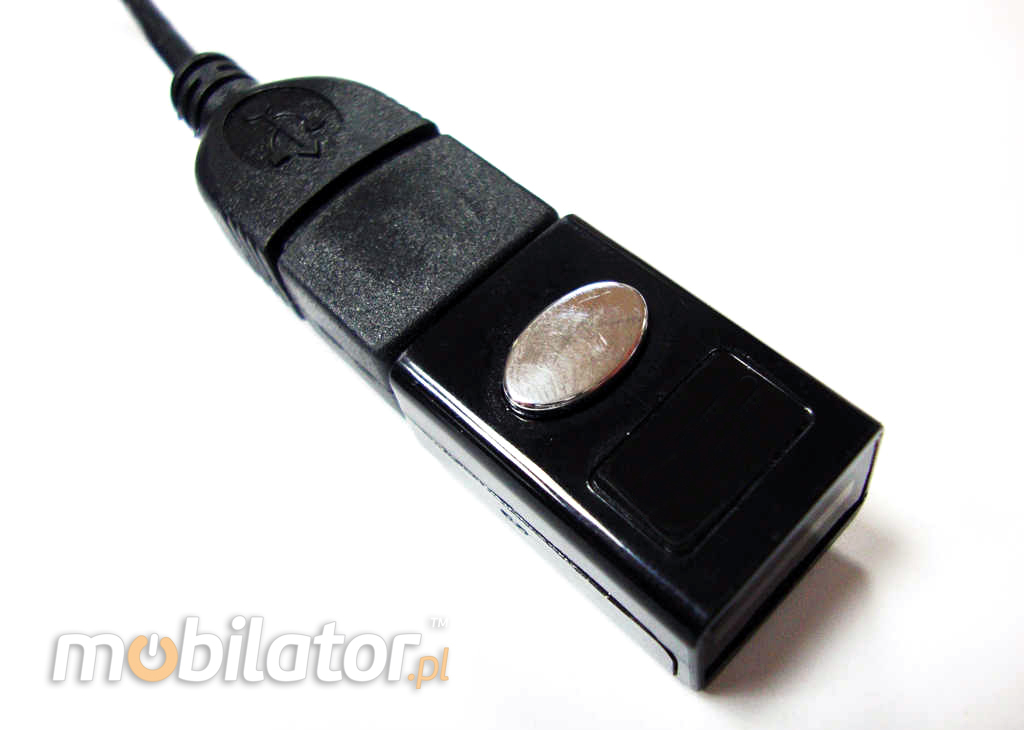
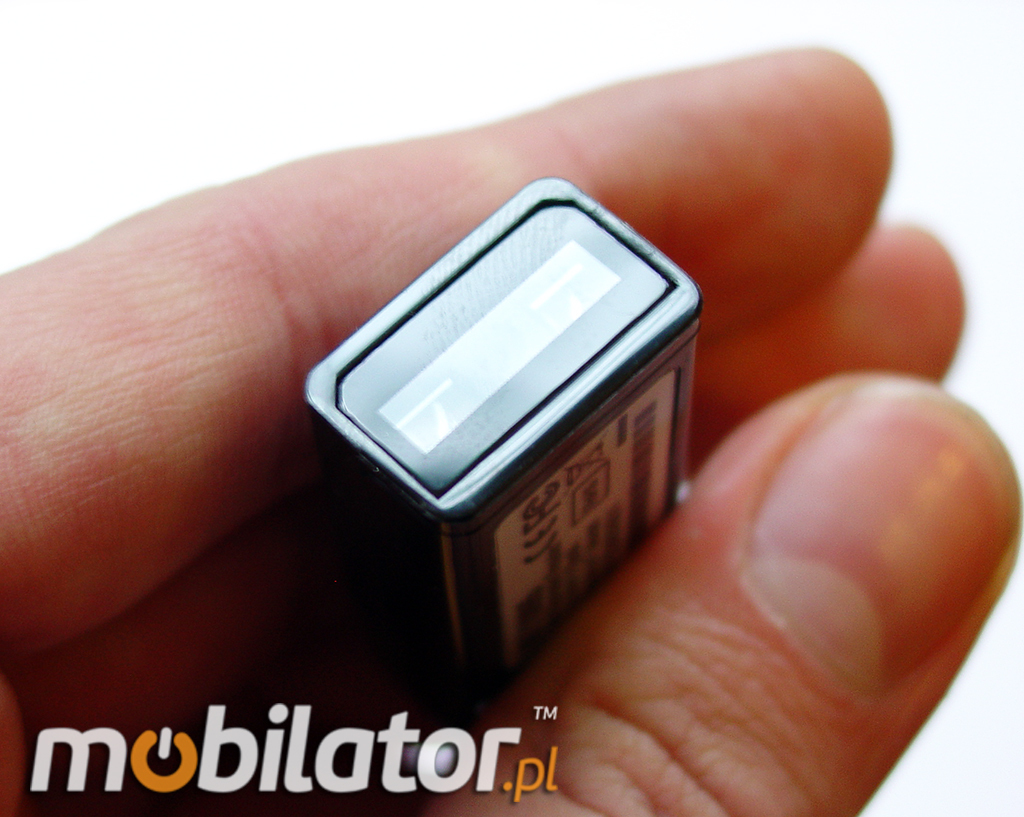
Designed to be fitted to a variety of applications, a barcode scanner can be compatible with systems such as Android, iOS (iPhone does not support), MAC, Windows CE, Windows XP, Windows 7, Windows 8 and Linux. Users can transfer data in real time to a PC or mobile devices. |
|
Portable (USB) barcode readers through the use of laser read-out techniques are convenient and easy to use and offer a wealth of configuration parameters. Enable automatic operation and manual. Read codes with different contrasts with a distance of several centimeters. The scanner needs power to work, so that it is possible to read-out code for a device that powers it.
The device uses the HID interface
To scanner devices need to use the right software to a serial port (RS-232) collect data and display them in window of the user. The scanner is connected to the USB port and working in the so-called POS mode needs further appropriate driver, which once installed in the system creates a virtual port number specified - the so-called virtual COM port driver.Most of the users is a (mistaken) belief that each scanner connected to a computer will send data, which can be further processed such as Notepad or MS Word. That's not true.To do so, use the scanner with the so-called keyboard emulation - connected to a computer via USB, but the scanner must be working in a standard USB HID (Human Interface Device) otherwise known as Low Speed USB also. In this way the data is sent to the computer in exactly the same way as does a USB keyboard. Hence the term emulation keyboard.If we have the right scanner (USB HID) - when barcode in fact our introduce to Word or Notepad in the form of digits or in any place where we can place the cursor or wpiswać text data. Scanners USB HID usually do not require additional drivers, as the drivers for HID devices are standard in Windows.
|
|
|
|
||||||||||||||||||||||||||||








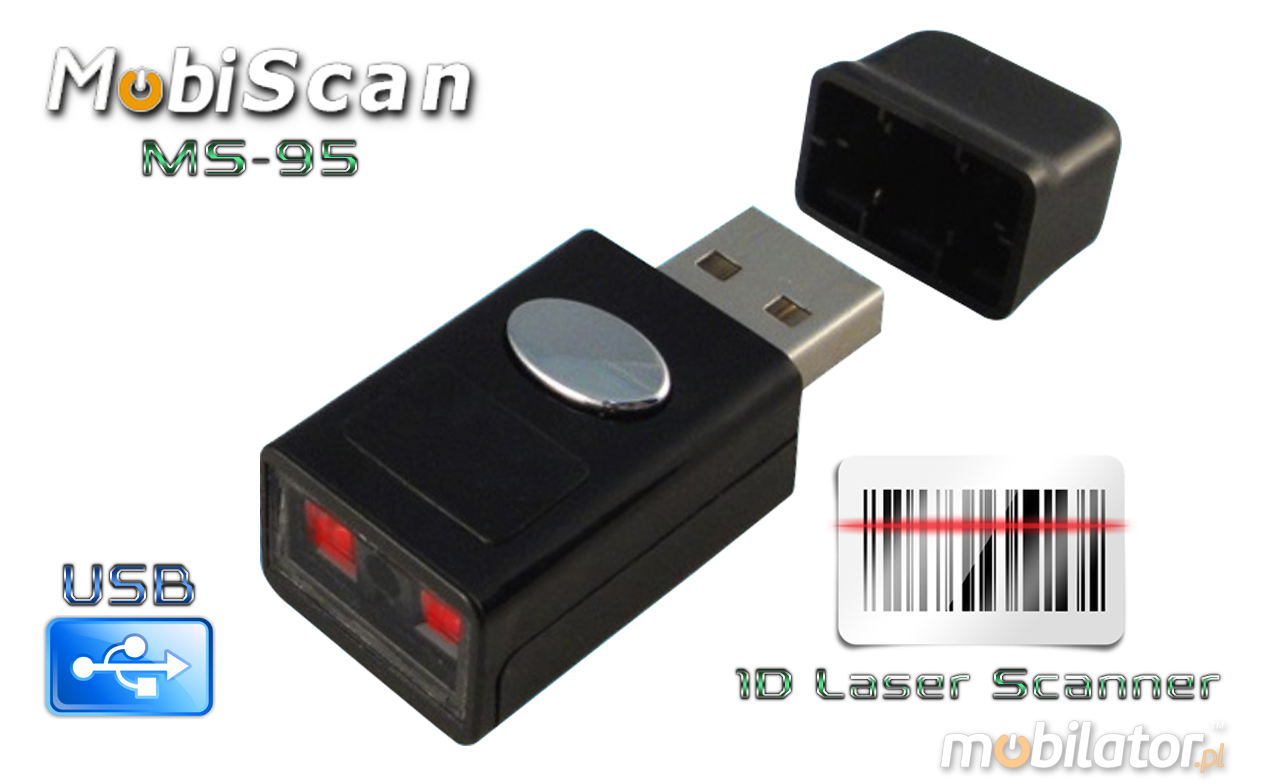
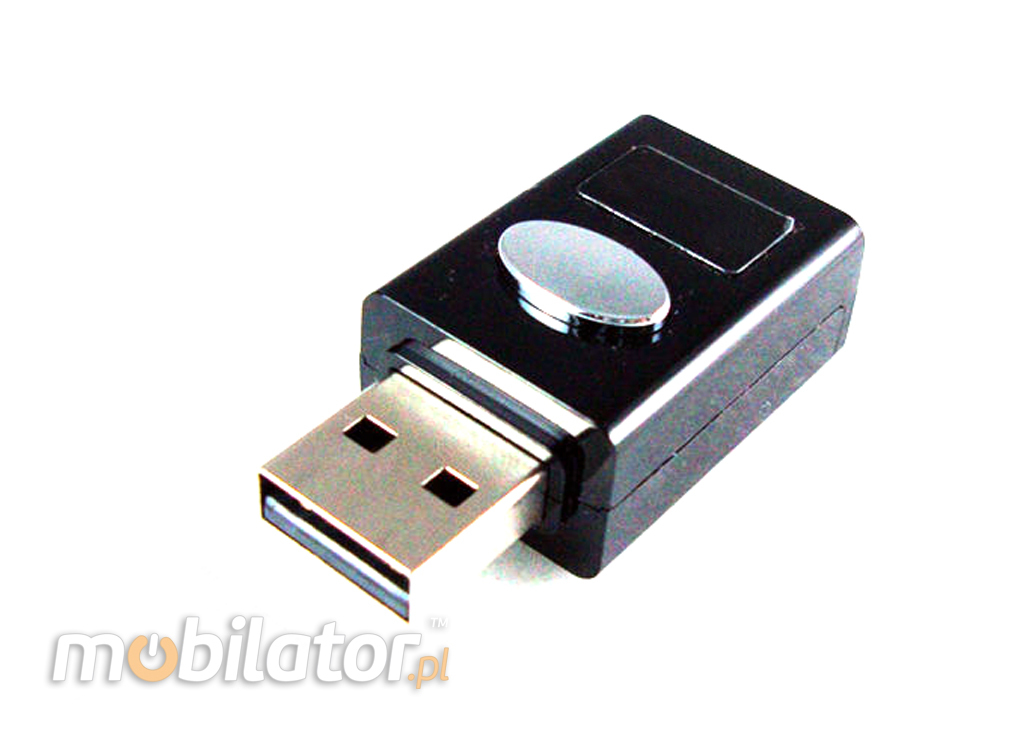
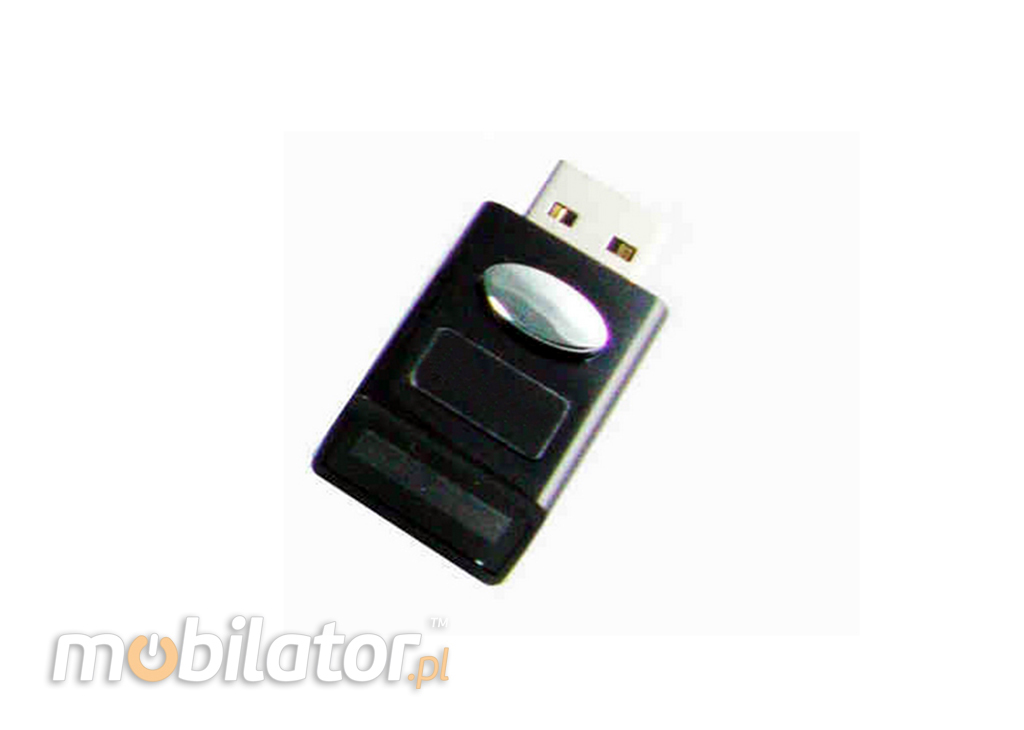
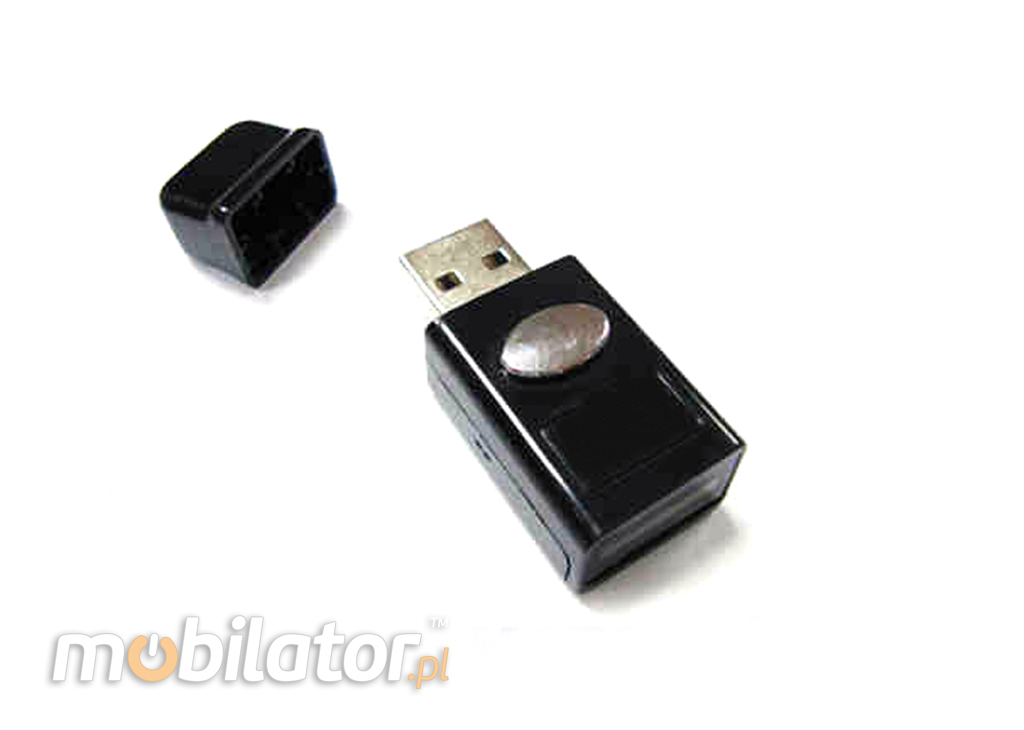


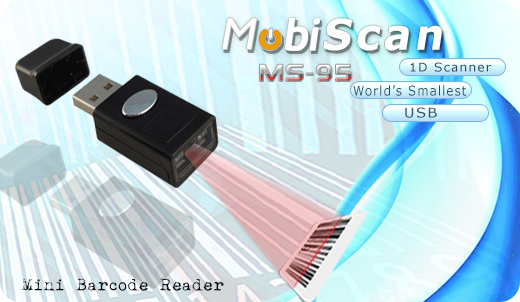

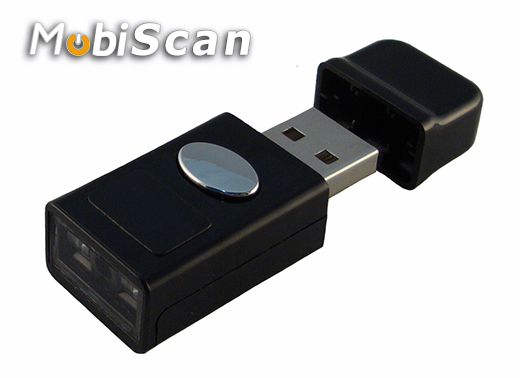

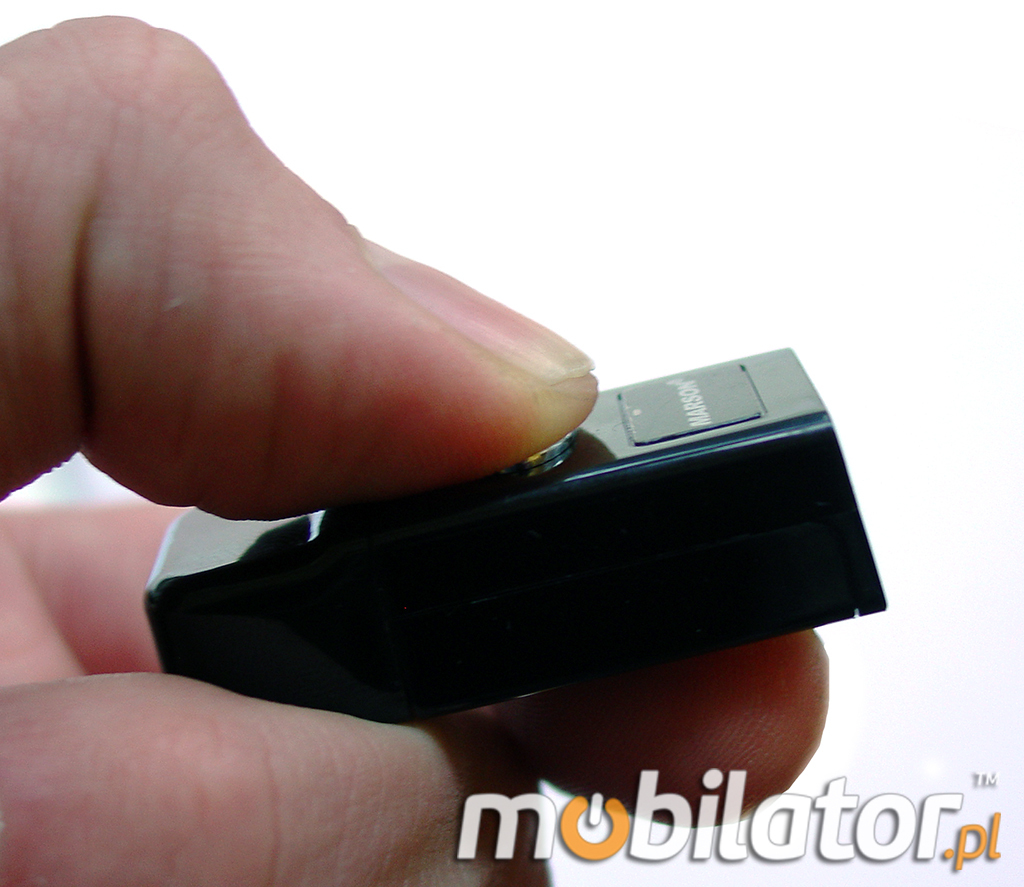
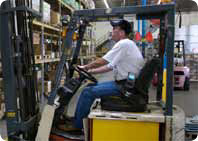
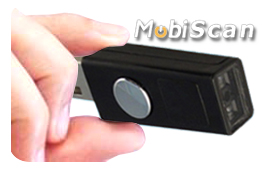 MS-95 intelligent and ergonomic, handheld barcode reader will facilitate the work magazynierom, mobile and stationary retailers, pharmacists, couriers and logistics, quality controllers and inspectors of manufacturing processes and all those who work in need of cataloging and storing information sczytanych with barcodes.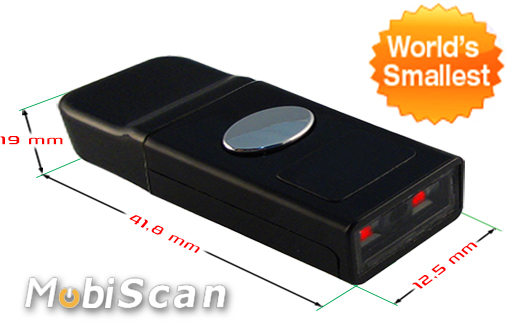




;)
;)
;)
;)
;)
;)
;)
;)
;)
;)
;)
;)
;)
;)
;)
;)