|
Operating |
-10° to 50°C |
|
Operating Humidity |
5% do 95%
|
|
Dust |
IP5x (Protection against dust deposit) |
|
Water |
IPx4 (splashed water) |
|
Drop |
Drops to concrete 4,9ft./1.2m |
IP54 Resistance
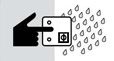
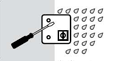
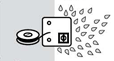
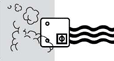
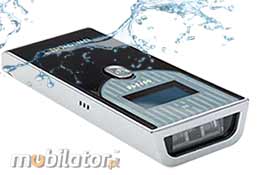 Degrees of IP is a classification of different degrees of protection of electrical equipment that are provided by enclosures of these devices according to PN-92/E-08106. A number after the "IP" is really two digits. The first is protection of human and animal access to hazardous parts and protection against contamination, such as dust. It's mainly about access foreign objects to enter the unit. The second digit is a degree of protection against water. Degrees of IP is a classification of different degrees of protection of electrical equipment that are provided by enclosures of these devices according to PN-92/E-08106. A number after the "IP" is really two digits. The first is protection of human and animal access to hazardous parts and protection against contamination, such as dust. It's mainly about access foreign objects to enter the unit. The second digit is a degree of protection against water.
The first digit [x]
Protection against solid objects
|
|
The second digits [y]
Protection against liquids
|
|
No special protection |
|
0 |
 |
0
|
|
No waterproofing |
|
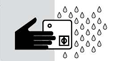
Protection from solid objects greater than 50mm in diameter |
|
1 |
 |
1
|
|
Protection from dripping water
|
|
Protection from object not greater than 12mm in diamete |
|
2 |
 |
2
|
|
Protection from vertically dripping water (tilted up to 15°) |
|
Protection from object not greater than 2,5mm in diameter |
|
3 |
 |
3
|
|
Protection from sprayed water (tilted up to 60°) |
|
Protection from object not greater than 1mm in diameter |
|
4 |
 |
4
|
|
Protection from splashed water |
|
Complete protection against contact, Protection against dust deposit |
|
5 |
 |
5
|
|
Protection from water projected from a nozzle |
|
Complete protectionm against contact, Protection from infiltration of dust |
|
6 |
 |
6
|
|
Protection against heavy seas, or powerful jets of water |
|
|
|
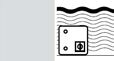 |
7
|
|
Protection against immersion
|
|
|
|
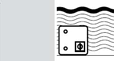 |
8
|
|
|
Protection against complete, continuous submersion in water
|
|
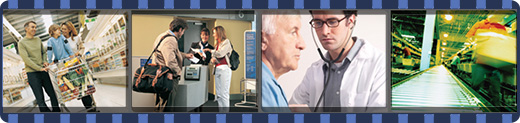
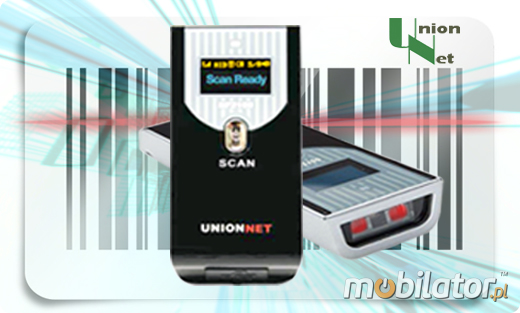
UnionNet SP-2100 which the manufacturer recommends widely used in situations where it is necessary to rapidly identify the goods in commerce, logistics, transport, shipping, industrial, financial and public sectors.
|
|
Pharmacy
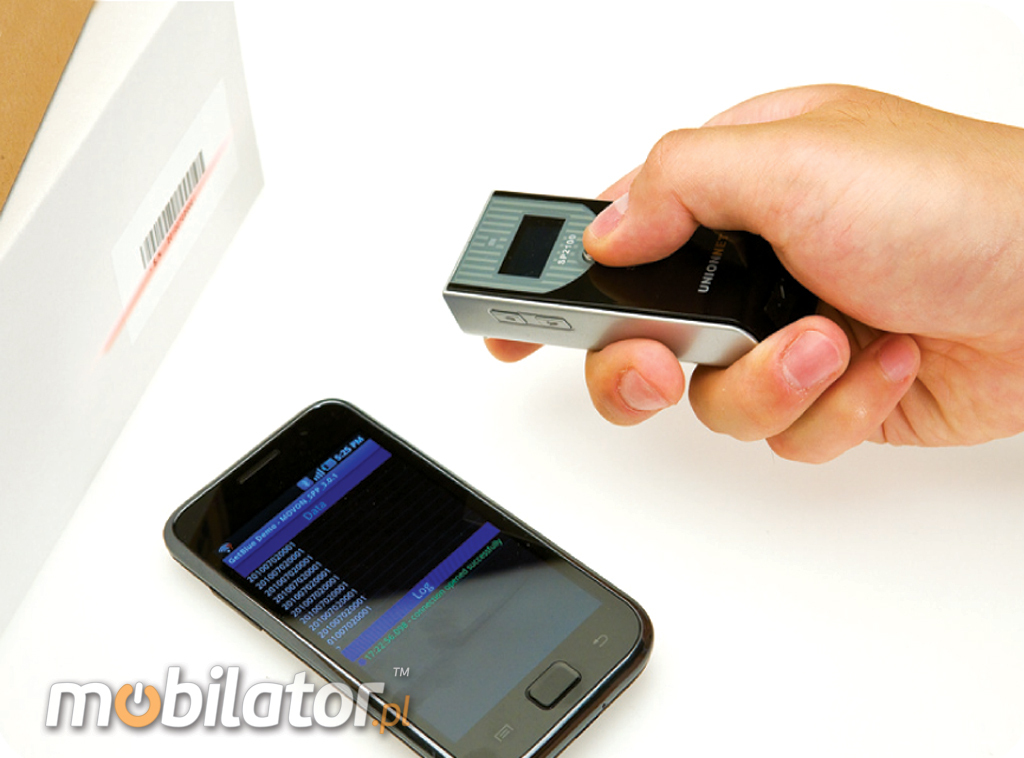
The Scanner allows you to quickly identify and enter prescriptions into the database. With a small, mobile, lightweight design is easy to carry and effectively accepting orders.
|
|
Trade
The device is used for fast read-out bar codes. Certainly can be applied in all kinds of commercial networks.
|
|
|
|
Magazine
Mini barcode reader Allows you to quickly update the inventory with the help of Bluetooth wireless data transfer.
|
|
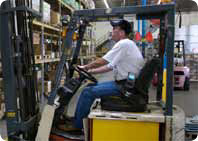
Logistics and transport
Small scanner will find all kinds of use including in transport - a portable and super light barcode reader for fast identification.
|
|
|
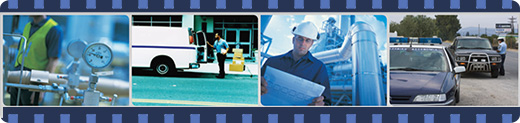
 Barcode readers allow you to in the bar code read and send to your database. We offer high quality device for reading bar codes that work flawlessly even in the harshest industrial environments Barcode readers allow you to in the bar code read and send to your database. We offer high quality device for reading bar codes that work flawlessly even in the harshest industrial environments
After scanning the coded data can be transferred to a computer or a portable database. Such a rapid and accurate identification of the object crosses the warehouseman and does not create bottlenecks in logistics processes.
The bar code scanner can be connected to almost any device of computer - via USB.
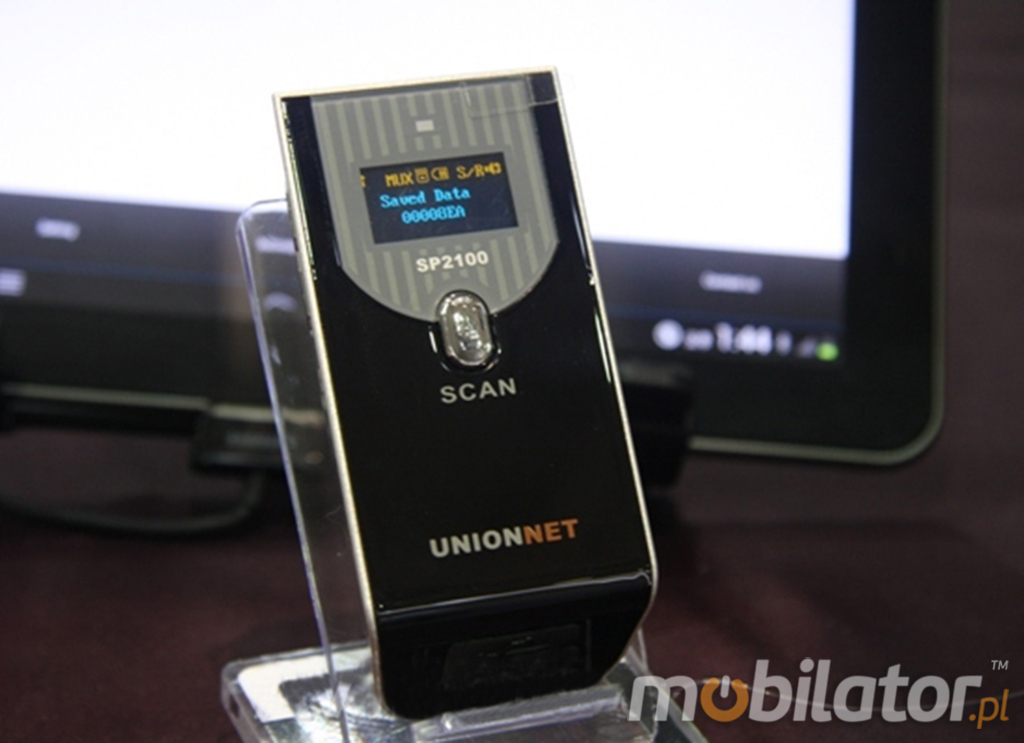
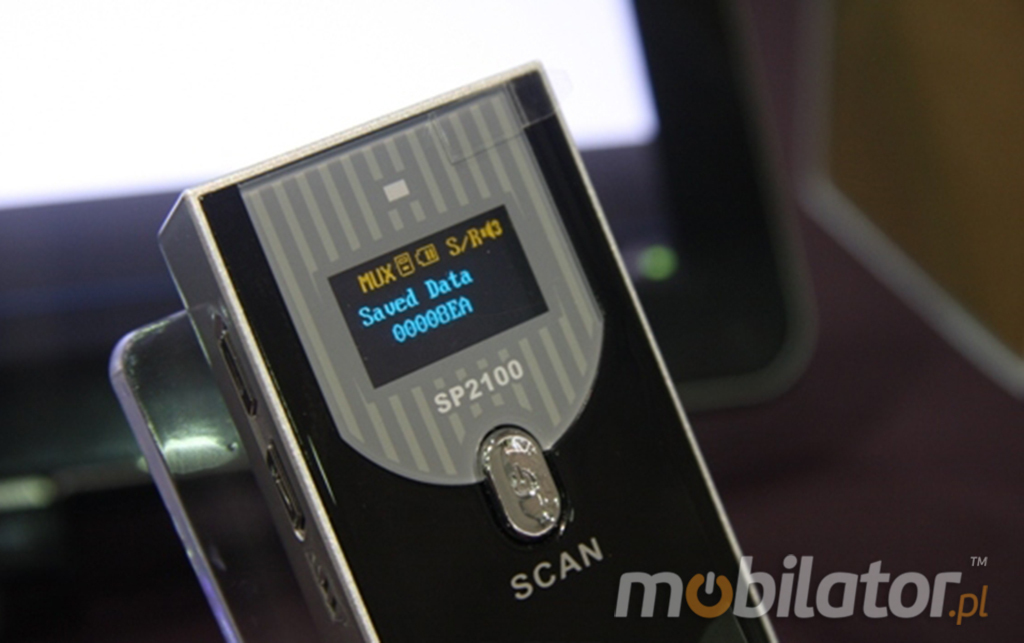
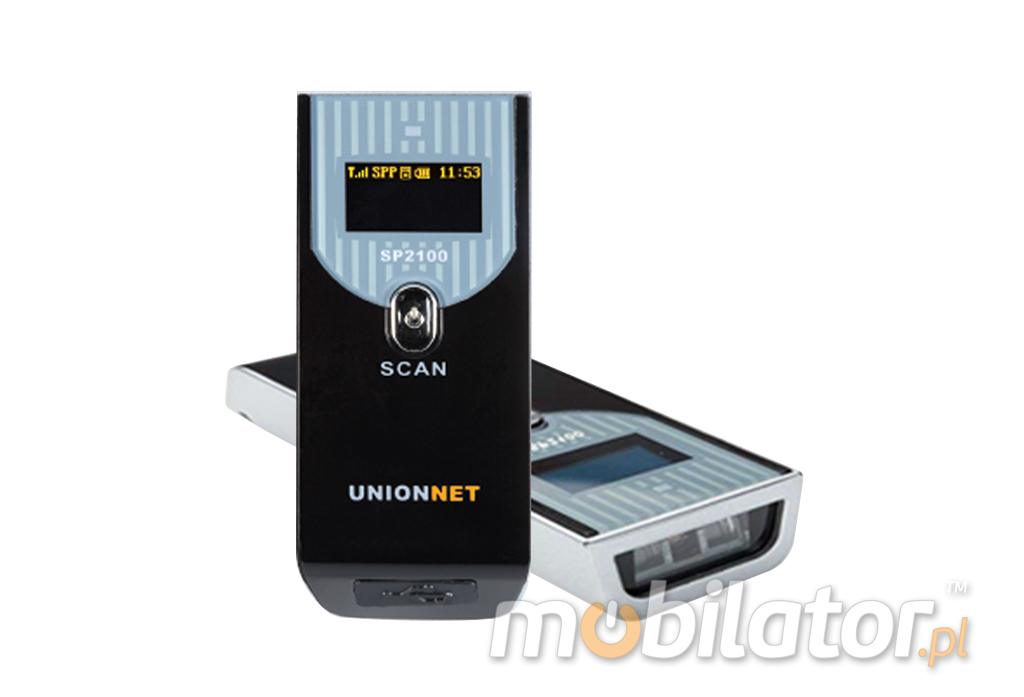
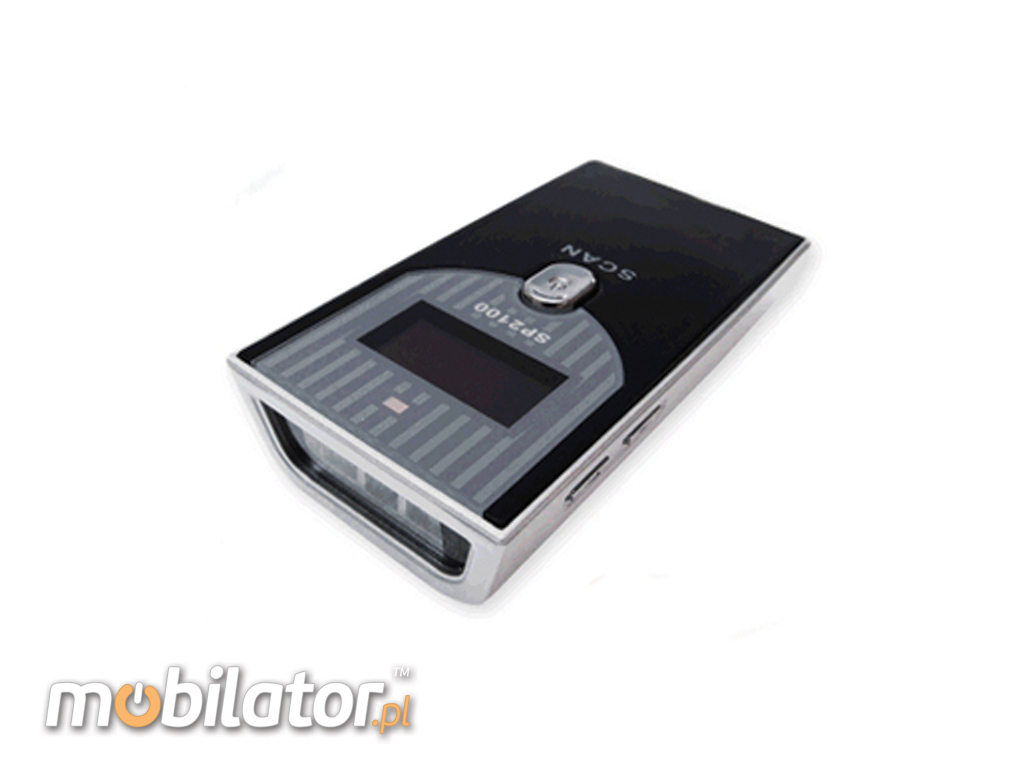
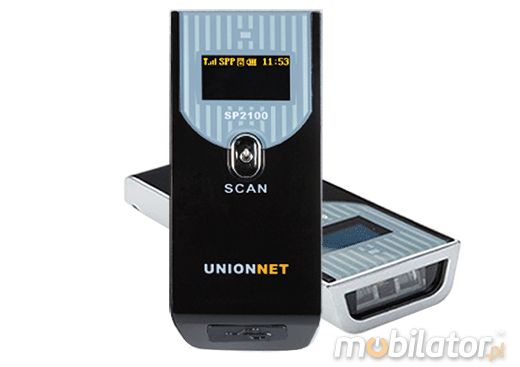
UnionNet SP-2100 1D (CCD) Bluetooth
|
Mechanical
|
Height: 19 mm
Width: 43 mm
Length: 89 mm
Weight: 60g
|
|
Button & Functions: |
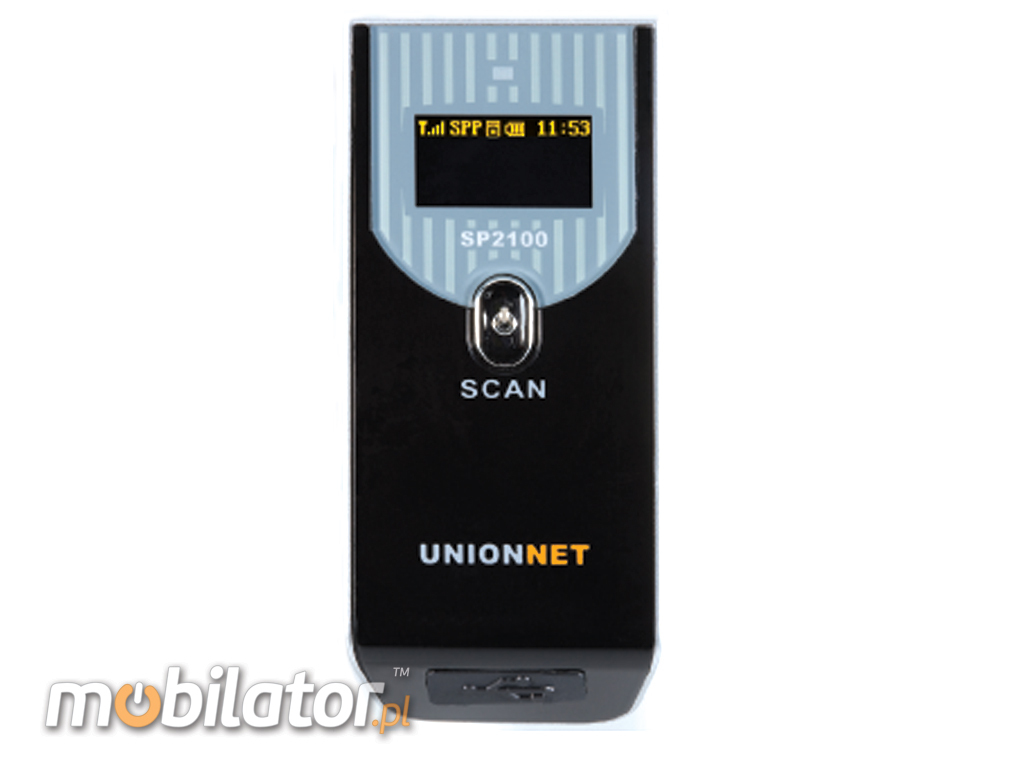
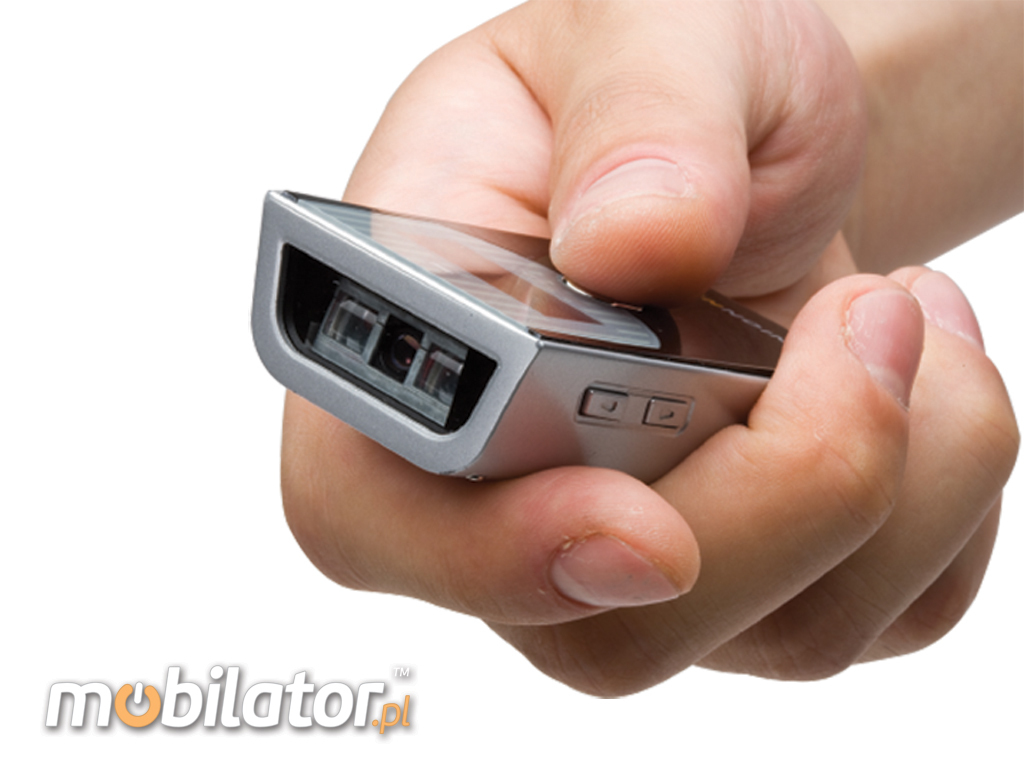
One Scan, Button, Two Navigation Buttons, Reset Button.
Functions: Autro Paring, Auto Power-off, Soft Key(toggling in at Android & iOS),
HID Batch, Vibrator motor(option)
|
|
Processor |
ARM 7 32Bit
|
|
Memory |
SRAM: 32KB(RAM) FLASH: 256KB(ROM) External: 8MB (ROM)
|
|
Indicator: |
Dual LED: Scan State / OLED: 4Lines / 2 Colors, RTC (Real Time Clock) Function |
Electrical
|
DC: 5V±10%
|
Scan Preformance
|
Sensor Type: 1D Linear Imager (CCD)
Light Source: 1D LED (622-628nm)
Scan Rate: 300scan/sek
|
Baterry Power
|
Li-ion 1450 mAh
Work time: 2,5h ( 30000 scan.)
|
Barcode Type
|
Code128, EAN-13, EAN-8, Code39, UPC-A, UPC-E, Codebar, Interleaved 2 of 5, ISBN, Code 93, UCC/EAN-128, GS1 Databar, etc. |
|
Communication |
Bluetooth 2.1+EDR Class 2
Range: 15 m
Cabel MiniUSB
|
Scan Range
|
40mm-430mm |
|
Accessories |
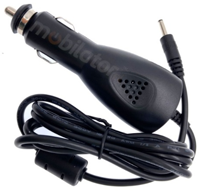
Manual, miniUSB cable, charger, hand strap (optional), car charger (optional)
|
|
more photos in "Gallery"...
specification of this version is available in the "Specifications"...
|
|
 PL
PL ENG
ENG

;)
;)
;)
;)
;)
;)
;)
;)
;)
;)
;)









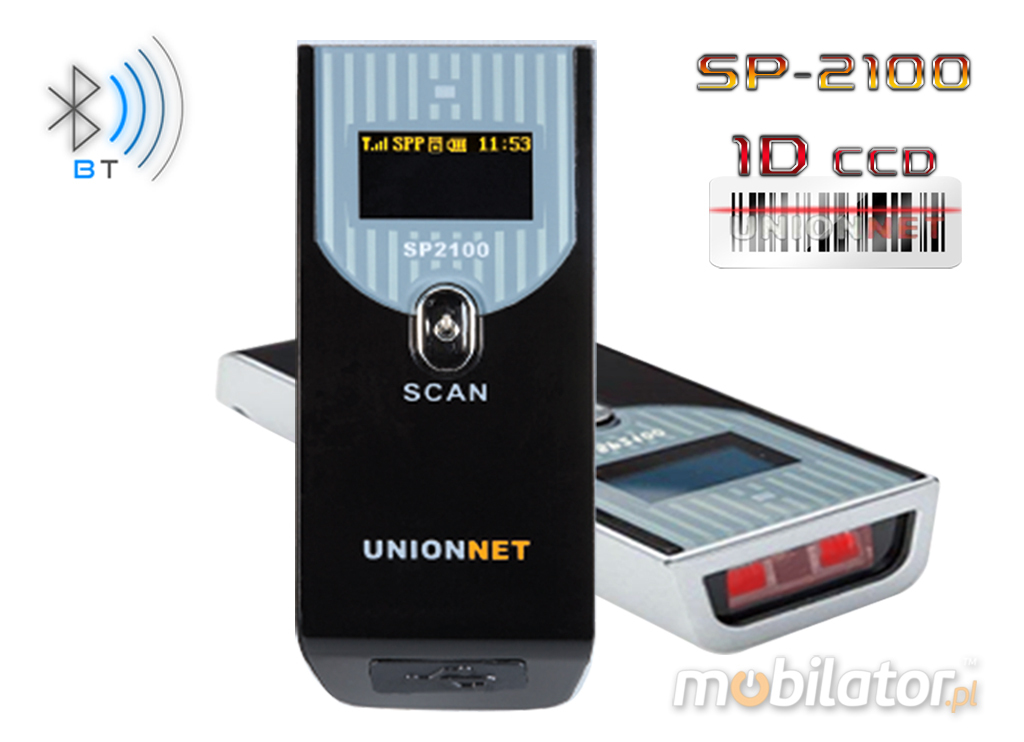
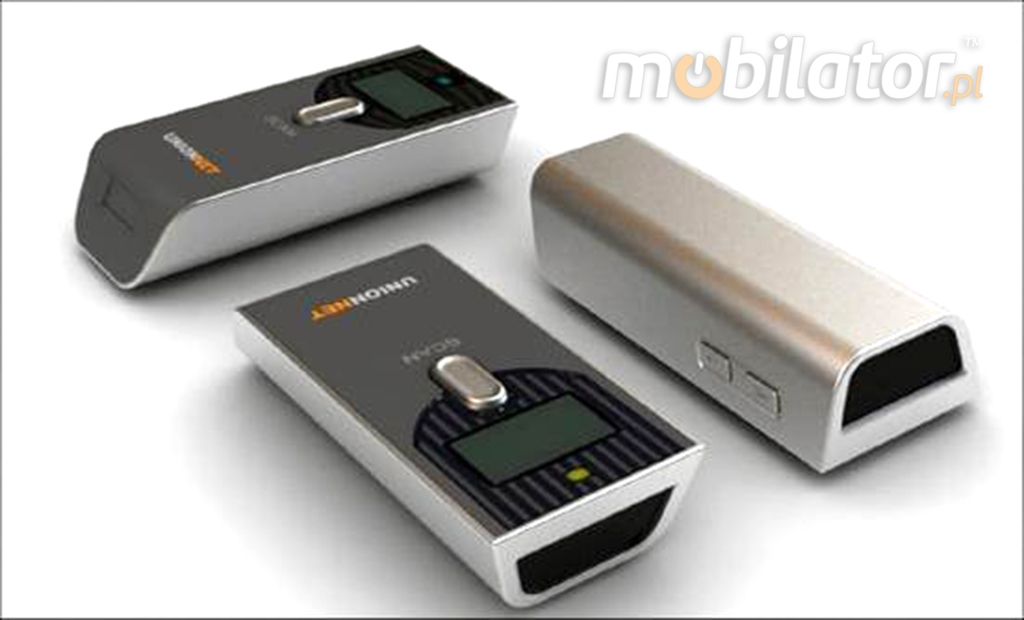
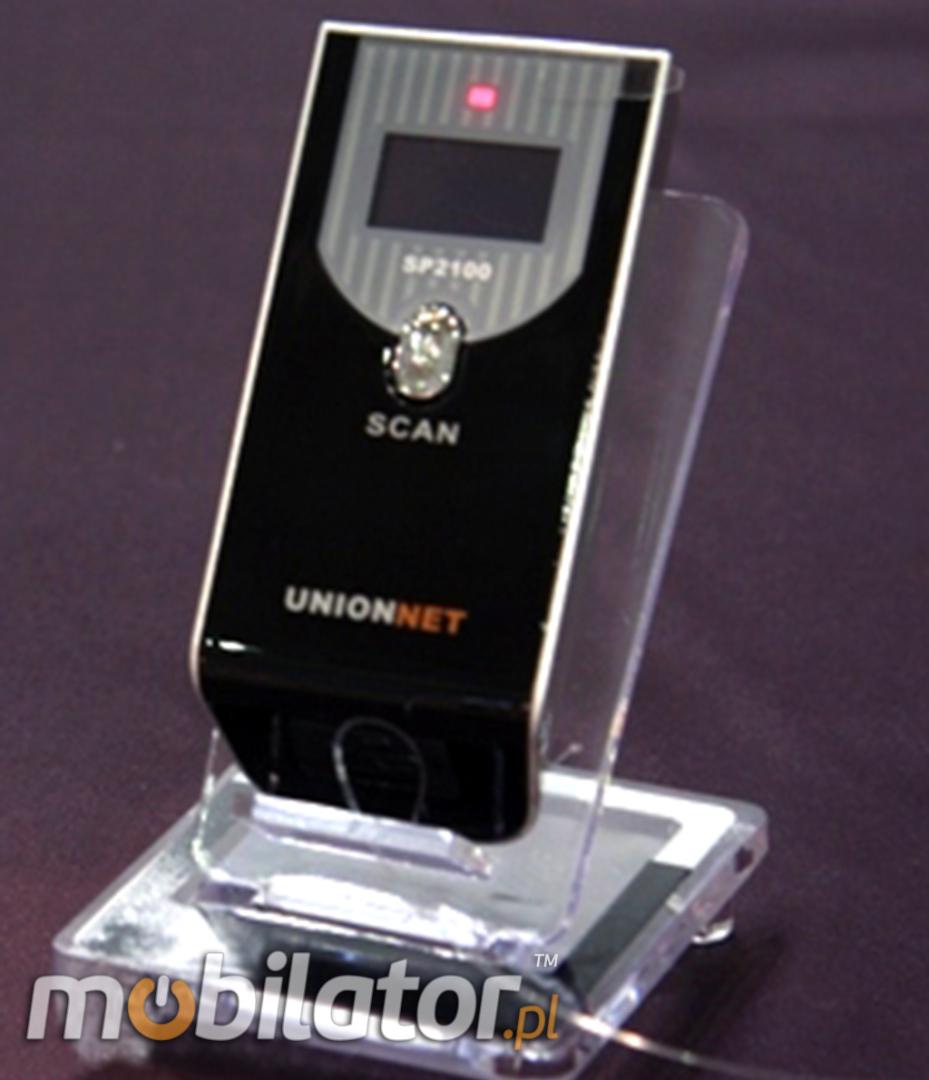
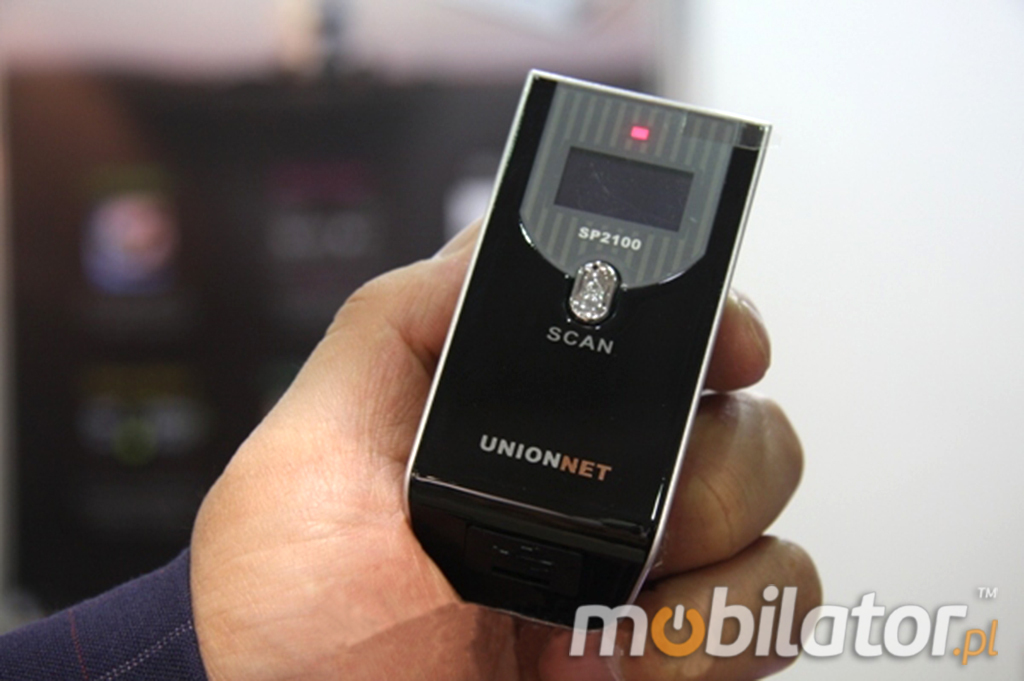


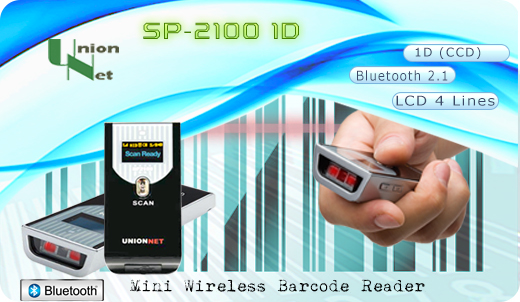

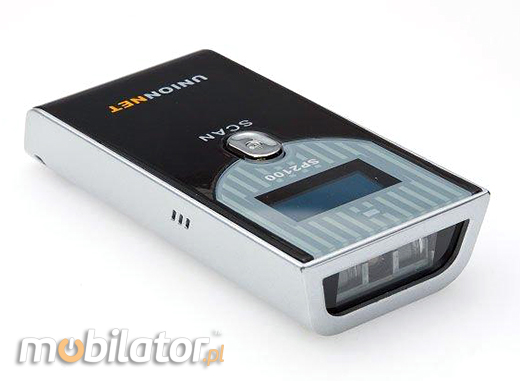

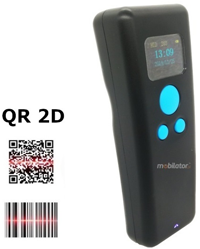
 SP-2100 intelligent and ergonomic, handheld barcode reader will facilitate the work magazynierom, mobile and stationary retailers, pharmacists, couriers and logistics, quality controllers and inspectors of manufacturing processes and all those who work in need of cataloging and storing information with barcodes.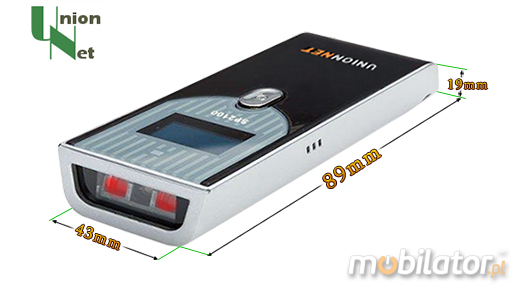
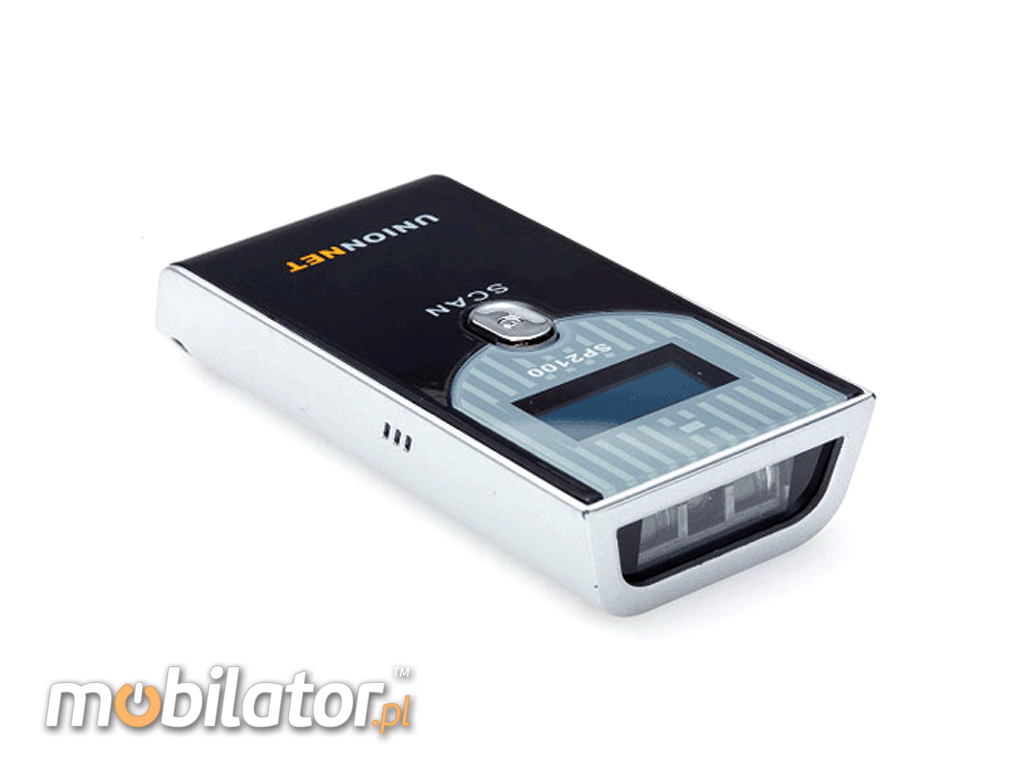
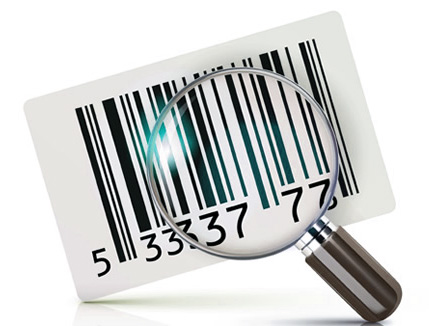 The next generation of mini scanner his appearance. This ergonomic, compact and extremely lightweight barcode reader with appropriate surface texture provides a firm grip and reduces hand fatigue with long hours work.
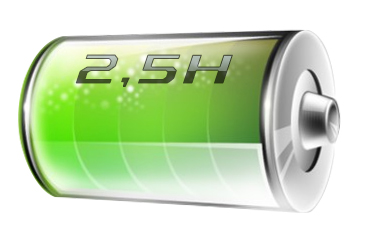 SP-2100 Bluetooth 1D is equipped with Li-Ion battery with sufficient capacity 1450mAh, which allows about 2.5 hours the to work scanner . At this time it can scan a 30,000 barcode when fully charged.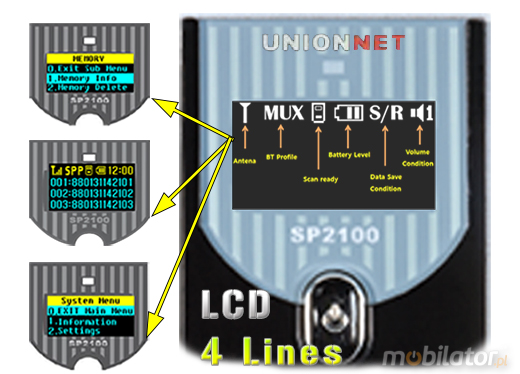
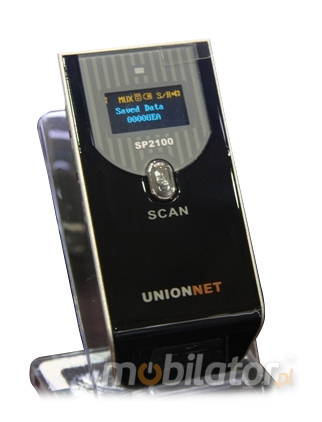
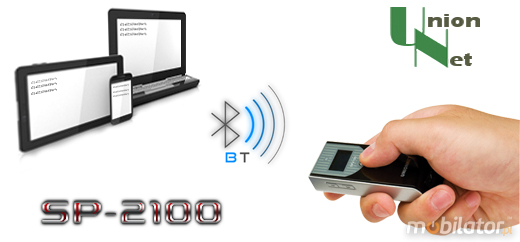
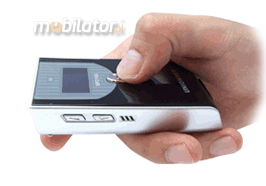 Wireless (Bluetooth) barcode scanner can be compatible with systems such as Android, iOS, Windows Mobile, Windows XP, Windows 7, Windows 8 Users can transfer data in real time to a PC or mobile devices.
 Scanner SP-2100 has an additional application, which offers limited functionality for Android and iOS user rev. Free software called UniLinker can be downloaded from the AppStore or GooglePlay. Certainly, it is thanks to her we can better manage the device.